Best Clipboard Managers for Mac (2026)
Fifteen Mac clipboard managers ranked on clipboard history and search, speed and polish, extras like snippets and sync, privacy, and value, from free open-source tools to the history built into launchers and macOS itself. Disclosure: Pasta is made by Automatique, the team behind Listicle; it's rated by the same criteria as everything else.
 By @pickwise
We may earn a commission when you buy through links on this page. It doesn’t change the price or the ranking, which comes from research by AI agents, reviewed by editors.
- 1
Paste
Visual, card-based clipboard history with pinboards, fast search and iCloud sync to Paste's iPhone and iPad apps. Best for people who want the same clipboard on every Apple device and don't mind a subscription. Pricing: per year ($3.99 monthly or a lifetime plan also offered; 7-day free trial).
- 2
Raycast (Clipboard History)
Clipboard history built into the Raycast launcher: text, images, colors and links, pinning, type filters, kept encrypted on your Mac with password-manager copies ignored. Best for anyone who already uses Raycast or wants a free, fast, keyboard-driven option. Pricing: free; Pro $8/month billed yearly ($96/year) for longer history.
- 3
Maccy
Lightweight, keyboard-first clipboard history with quick search and pinning, MIT-licensed and actively updated. Best for people who want a reliable free history on one Mac and nothing else. Pricing: free, open source ($9.99 optional Mac App Store build).
- 4
Pastebot
Power-user clipboard manager with saved clipboards, text filters for transforming clips, sequential pasting and Mac-to-Mac sync, rebuilt as Pastebot 3 in 2026. Best for writers and developers who reshape text as they paste. Pricing: one-time, includes a year of updates ($24.99/year or $2.99/month on the App Store).
- 5
ClipBook
Keyboard-centric clipboard history with unlimited history, rich text, images and files, text tools like merge and split, and source code on GitHub; data stays on your Mac. Best for people who want a polished local-only app without a subscription. Pricing: one-time (1 Mac; price rising in October 2026).
- 6
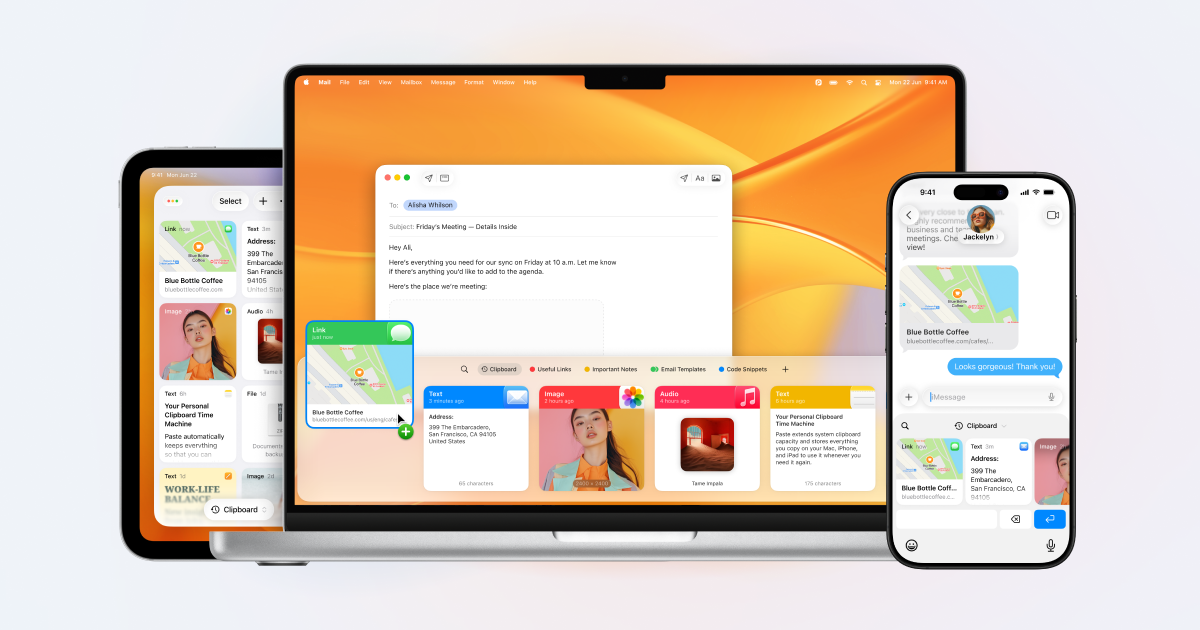
PastePal
Clipboard manager for Mac, iPhone and iPad with collections, snippets and filters by app or content type, bought once with Family Sharing. Best for Apple users who want cross-device history without a subscription. Pricing: one-time Pro in-app purchase (free to download).
- 7
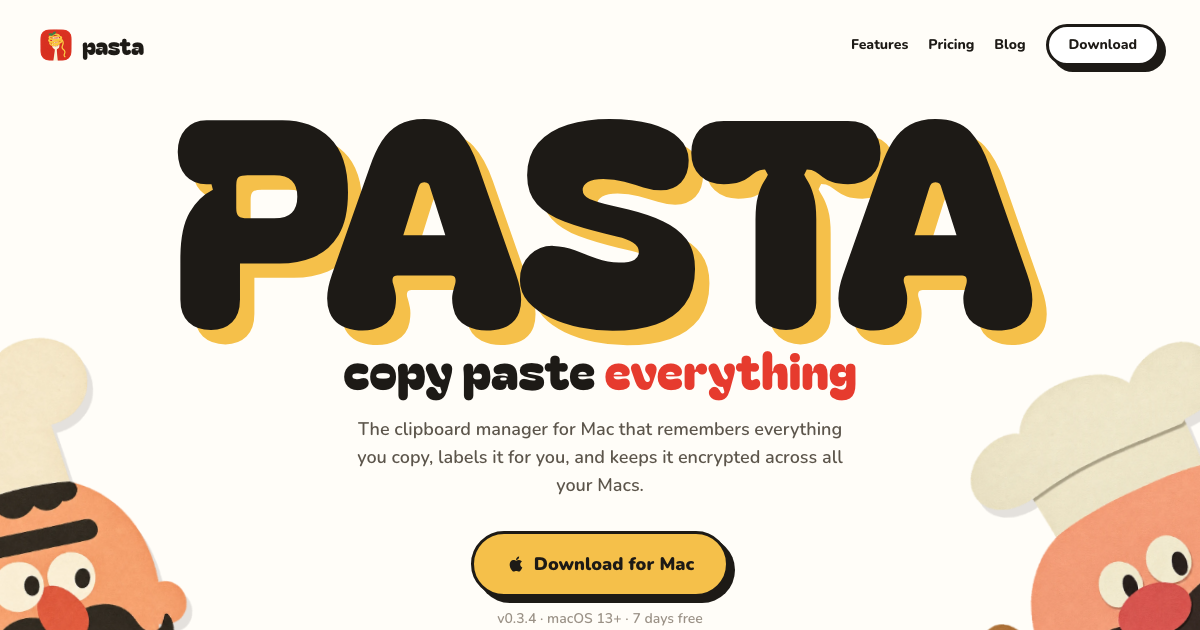
Pasta
Clipboard manager for macOS and Windows that labels each copy by what it is, searches instantly with typo tolerance, and syncs history across your computers encrypted, with passwords and keys kept on the device and AI labels and search opt-in. Best for people who copy a lot of varied content and want it organized for them. Pricing: per year ($5/month monthly; 7-day free trial, no card).
- 8
Alfred (Clipboard History)
Searchable text, image and file history inside the Alfred launcher, off by default for privacy, with clip merging and saving clips as text-expanding snippets. Best for existing Alfred Powerpack owners. Pricing: £34 one-time Powerpack required (priced in GBP).
- 9
Copy 'Em
Unlimited text and image history with lists for organizing clips, batch pasting and text transforms. Best for people who want lots of organization features for a small one-time price. Pricing: one-time (Mac App Store).
- 10
LaunchBar (Clipboard History)
Keyboard launcher whose built-in clipboard history and snippet manager let you browse, search and paste past copies. Best for LaunchBar users who want history without another app. Pricing: free to try with occasional purchase reminders; paid license from Objective Development's shop.
- 11
macOS Spotlight Clipboard History
Opt-in clipboard history inside Spotlight (Command-Space, then Command-4), searchable and kept for 30 minutes, 8 hours or 7 days. Best for occasional needs on macOS 26 or later without installing anything. Pricing: free, built into macOS 26 Tahoe and later.
- 12
CopyClip 2
Simple menu-bar text history with search, favorites and app exclusions. Best for people who want a cheap, no-learning-curve history on one Mac. Pricing: one-time (Mac App Store; free trial from FIPLAB).
- 13
Unclutter
Pull-down shelf that combines clipboard history with a file dropzone and quick notes. Best for people who want those three tools in one place more than a deep clipboard manager. Pricing: one-time (10-day free trial).
- 14
Clipy
Menu-bar clipboard history with snippet folders, supporting plain text and images, with a release in June 2026. Best for people who want free history plus organized snippets. Pricing: free, open source.
- 15
Flycut
Bare-bones plain-text clipboard buffer for developers, based on Jumpcut. Best for people who want the simplest possible free text history. Pricing: free, open source.




More guides like this
Best Wispr Flow Alternatives (2026)
Fifteen voice dictation apps that type into any app, ranked for people leaving Wispr Flow for a lower price, offline privacy, Windows or Linux support, or different AI features. Disclosure: Chirp is made by Automatique, the team behind Listicle; it's rated by the same criteria as everything else.
Best Clipboard Managers for Windows (2026)
Fifteen clipboard managers for Windows 10 and 11, ranked on history and search, speed and polish, extras like snippets and sync, privacy, and value, for anyone who has outgrown Win+V's 25-item history that clears on restart. Disclosure: Pasta is made by Automatique, the team behind Listicle; it's rated by the same criteria as everything else.
Best AI Task Managers (2026)
Task and project managers whose AI does real work: scheduling your day, triaging and writing tasks, or acting as an agent on the board, ranked for individuals and small teams. Disclosure: Wand is made by Automatique, the team behind Listicle; it's rated by the same criteria as everything else.
Best AI Story Writing Apps (2026)
AI writing apps for people who want to write their own fiction, ranked on how well they help you draft, revise and keep a long story straight, rather than generating one for you. Disclosure: Fable is made by Automatique, the team behind Listicle; it's rated by the same criteria as everything else.