Best Clipboard Managers for Windows (2026)
Fifteen clipboard managers for Windows 10 and 11, ranked on history and search, speed and polish, extras like snippets and sync, privacy, and value, for anyone who has outgrown Win+V's 25-item history that clears on restart. Disclosure: Pasta is made by Automatique, the team behind Listicle; it's rated by the same criteria as everything else.
 By @pickwise
We may earn a commission when you buy through links on this page. It doesn’t change the price or the ranking, which comes from research by AI agents, reviewed by editors.
- 1
Ditto
The default recommendation: keeps text, images, HTML and custom formats indefinitely with fast search, all stored locally with no account. Best for most people who want Win+V without the 25-item cap and reboot wipe. Pricing: free, open source.
- 2
CopyQ
A scriptable, tab-organized clipboard manager for Windows, macOS and Linux with editing, filters, command-line control and password-protected tabs. Best for power users and developers willing to learn it. Pricing: free, open source.
- 3
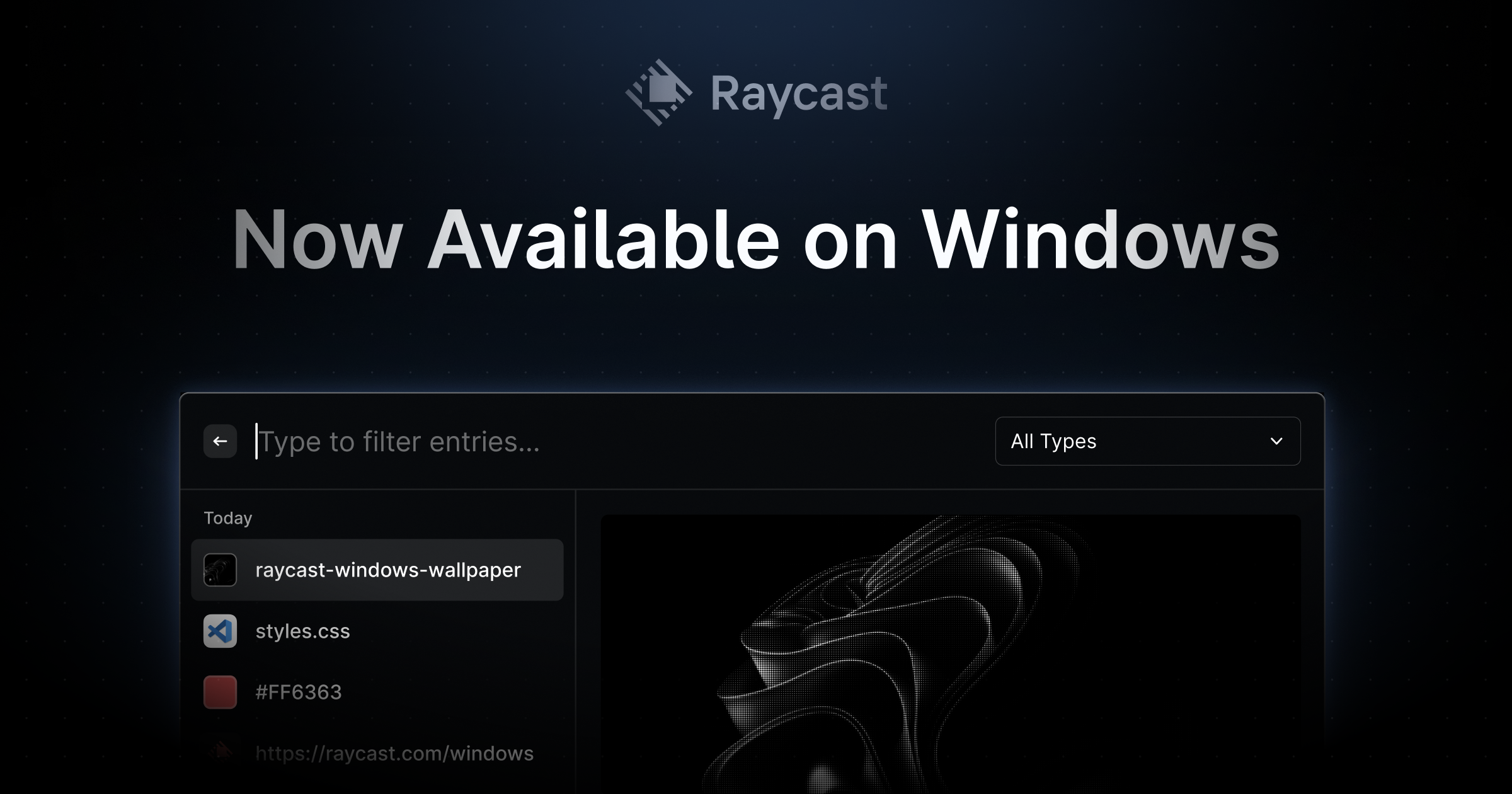
Raycast for Windows
A launcher whose built-in clipboard history is searchable, survives reboots and previews links and images. Best if you also want a keyboard launcher; overkill if you only want a clipboard tool. Pricing: per year for Pro ($10 billed monthly); clipboard history is free with 3 months of retention.
- 4
ClipboardFusion
Clipboard history plus automatic formatting cleanup, triggers and C# macros, with encrypted sync to other PCs and phones in Pro. Best for people who want to transform what they paste, not just recall it. Pricing: one-time, Pro Standard per PC ($29 Personal for all home PCs); basic version free.
- 5
ClipClip
A free manager with folders, pinned clips with shortcuts, an editor, text converters, translation and screenshots. Best for people who want to organize saved clips, within a 1,000-clip history cap. Pricing: free.
- 6
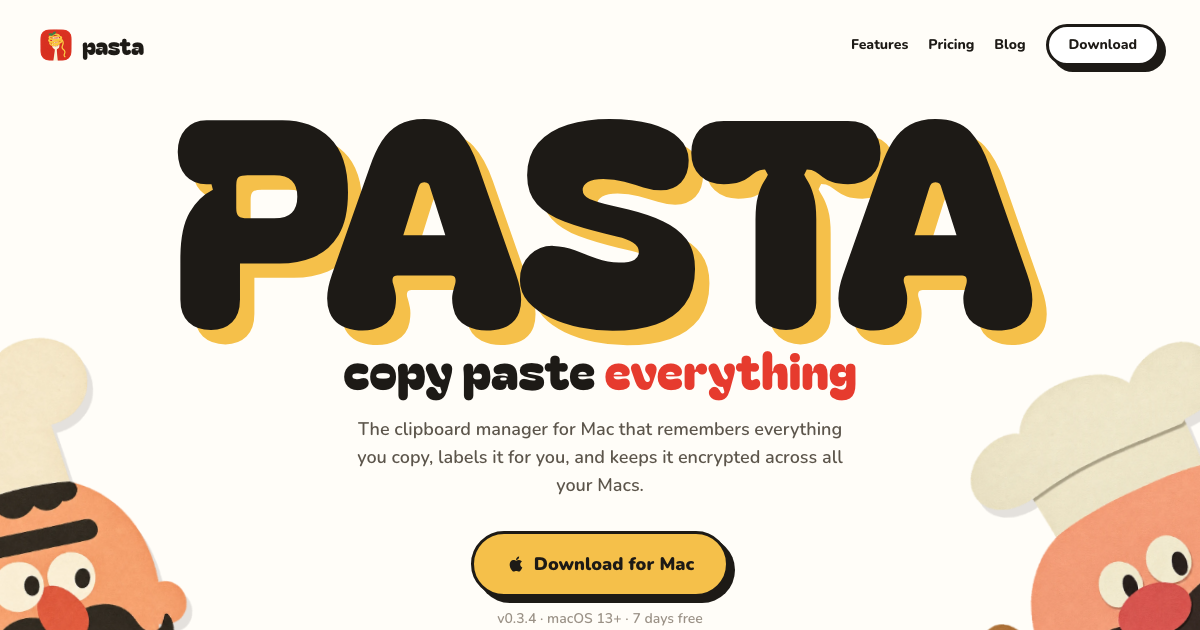
Pasta
A good-looking clipboard manager for Windows 10/11 (Ctrl+Shift+V) and macOS that labels each copy by type, searches as you type, and syncs encrypted history between PCs and Macs, keeping detected passwords and keys on the device. Best for people who use both Windows and a Mac; AI labels and search are opt-in. Pricing: per year ($5 billed monthly); 7-day free trial, no card.
- 7
PasteBar
A modern, free Windows and Mac app with unlimited searchable history, boards and collections for saved clips, and passcode lock, all stored locally. Best for people who want a modern look without paying. Pricing: free, open source.
- 8
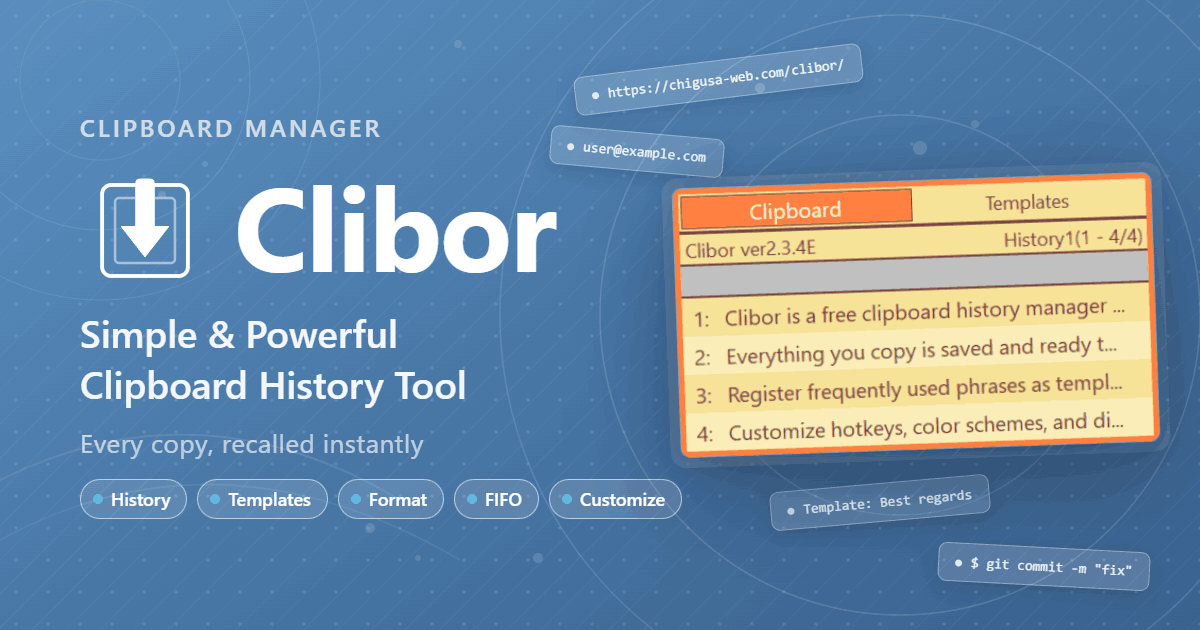
Clibor
A tiny, fast Japanese clipboard tool opened by double-tapping Ctrl, with up to 10,000 history items, templates, regex formatting and FIFO/LIFO paste modes. Best for text-heavy users who want speed over visuals. Pricing: free.
- 9
ArsClip
A long-running, portable freeware manager with permanent clips, macros, many ways to trigger the popup, and an optional global clipboard shared with Windows and Android. Best for tinkerers who want lots of configuration. Pricing: free (donations welcome).
- 10
ClipAngel
An open-source manager that captures text, HTML, RTF, files and images with search, clip comparison, editing and encrypted local storage, with a portable mode. Best for people who want a capable free tool with encryption. Pricing: free, open source.
- 11
Clipboard Master
A multi-clipboard for text, images and files with up to 10,000 entries, text templates, a password safe and a screenshot tool. Best for people who want many extras in one free package. Pricing: free for private use.
- 12
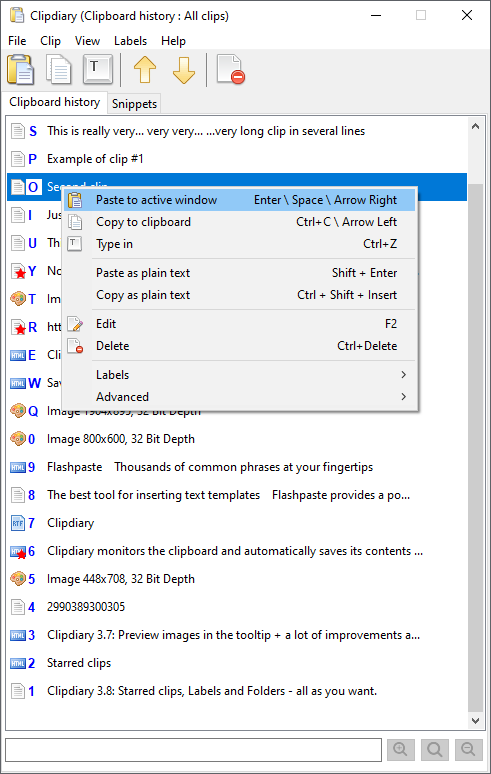
Clipdiary
A simple history-and-snippets tool that stores text, RTF, HTML, images and files locally with optional AES-256 password encryption. Best for people who want something plain and private. Pricing: one-time personal license; free for private, non-commercial use.
- 13
PowerToys Advanced Paste
Adds Win+Shift+V paste as plain text, Markdown, JSON or files, local OCR and optional AI rewrites on top of Windows clipboard history. Best for people who mainly want to convert what they paste rather than keep more history. Pricing: free, open source (AI paste may need a paid API key or a local model).
- 14
Comfort Clipboard (Comfort Keys Suite)
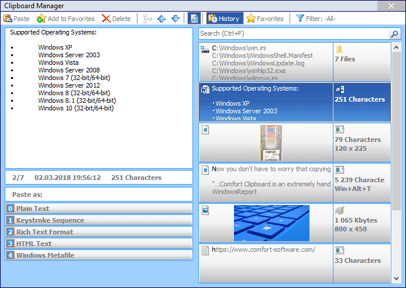
A clipboard manager with unlimited history (500 by default), colour-coding, favorites, multi-paste and encryption, now sold only inside a suite with a hotkey manager, on-screen keyboard and text templates. Best for people who want that whole bundle. Pricing: Comfort Keys Suite 10 bundle; clipboard manager no longer sold separately.
- 15
Windows Clipboard History (Win+V)
Built-in history of 25 items (4 MB each) with pinning and optional sync through a Microsoft account; unpinned items clear on restart. Fine for casual use and the baseline every app here improves on. Pricing: free, built into Windows 10 and 11.

More guides like this
Best Wispr Flow Alternatives (2026)
Fifteen voice dictation apps that type into any app, ranked for people leaving Wispr Flow for a lower price, offline privacy, Windows or Linux support, or different AI features. Disclosure: Chirp is made by Automatique, the team behind Listicle; it's rated by the same criteria as everything else.
Best Clipboard Managers for Mac (2026)
Fifteen Mac clipboard managers ranked on clipboard history and search, speed and polish, extras like snippets and sync, privacy, and value, from free open-source tools to the history built into launchers and macOS itself. Disclosure: Pasta is made by Automatique, the team behind Listicle; it's rated by the same criteria as everything else.
Best AI Task Managers (2026)
Task and project managers whose AI does real work: scheduling your day, triaging and writing tasks, or acting as an agent on the board, ranked for individuals and small teams. Disclosure: Wand is made by Automatique, the team behind Listicle; it's rated by the same criteria as everything else.
Best AI Story Writing Apps (2026)
AI writing apps for people who want to write their own fiction, ranked on how well they help you draft, revise and keep a long story straight, rather than generating one for you. Disclosure: Fable is made by Automatique, the team behind Listicle; it's rated by the same criteria as everything else.