Best AI Note-Taking Devices (2026): Real Yearly Costs
 By @pickwise
The best AI note taking device is a card, pin or ring that records a conversation and hands back a transcript and summary. These picks rest on hands-on tests by WIRED, TechCrunch, Wirecutter, PCWorld and other named reviewers.
Plaud Note Pro
Ivan Mehta of TechCrunch carried it for more than a month and called it an essential part of his daily carry, and PCWorld and Trusted Reviews both praise its transcripts and battery. Four microphones cover a meeting room, and a sensor records phone calls when the card sits on the back of your phone. The catches are a proprietary magnetic charging cable and the plan you will need once you pass 300 free minutes a month.
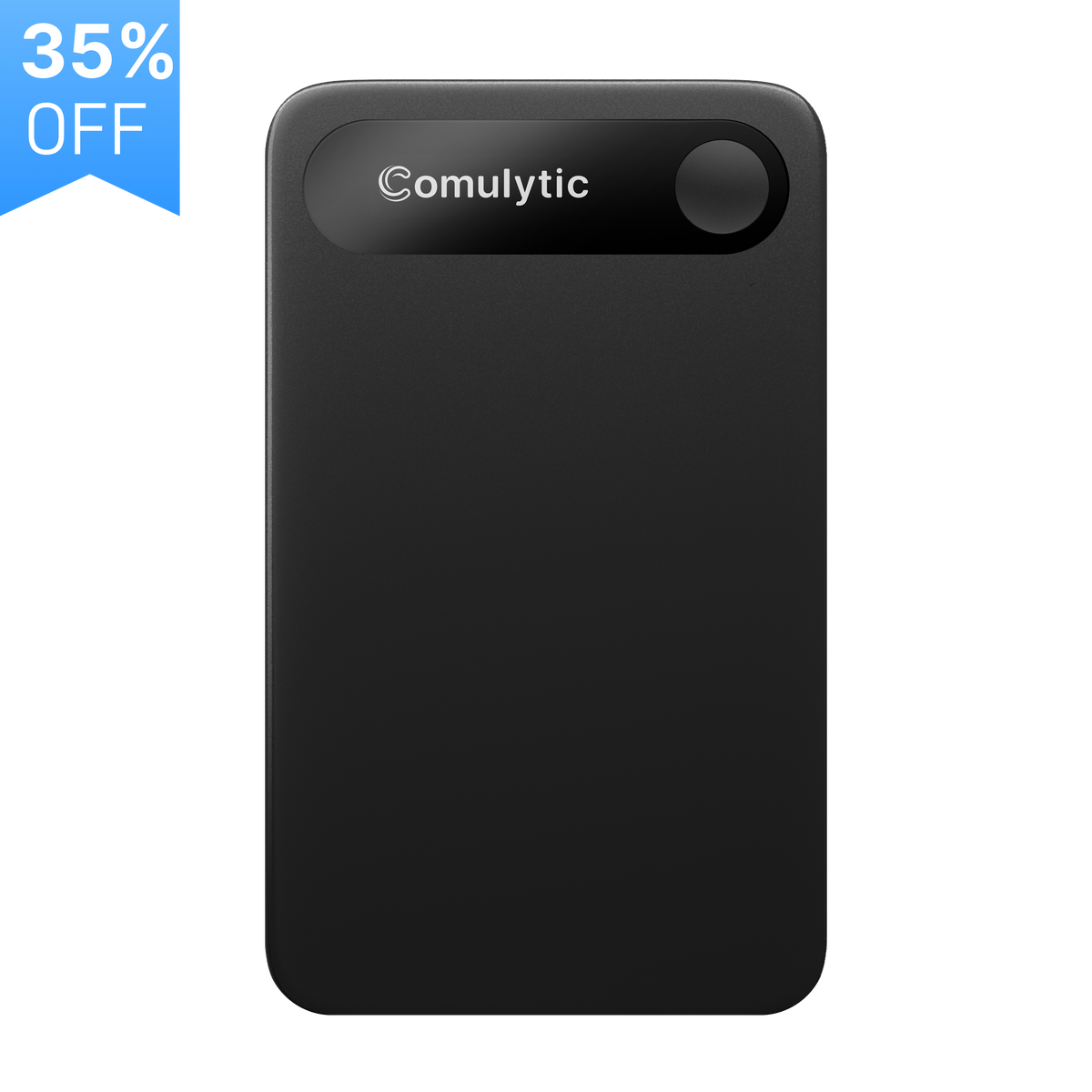
Comulytic Note Pro
WIRED's Christopher Null named this plain-looking card his best overall after finding its summaries the most insightful and least rambling of the devices he tested. Transcription has no minute cap on the free plan, and Null counted it the cheapest once subscription costs are added in. He also found it among the slowest to finish an analysis, and it charges through its own magnetic cable, so losing that cable means ordering another.
Anker Soundcore Work
A recorder the size of a stack of nickels that clips to a collar, and WIRED's pick for best wearable thanks to quick, thorough summaries. Push the button in to record and double-tap to mark a moment. Jasper Tech liked the hardware but called the app a V1 product with no choice of AI model, and Henric Brandt at Senses found the transcripts missed 10 to 15 percent of what was said.
Plaud NotePin S
Kaitlyn Wells of Wirecutter wore it for two months and found it excellent at capturing conversations and telling speakers apart, though the summaries had occasional errors. It ships with a pin, clip, lanyard and wristband, and has a real button where the older $159 NotePin has a pressure-sensitive one. It records the room, not phone calls, and WIRED judged it too costly next to rivals once you add a plan.
Plaud Note
The original Plaud card, still sold for less than the Pro. Jack Wallen of ZDNET called it the best voice recorder on the market, and Creative Bloq's reviewer still uses his regularly more than a year on. It has two microphones and no screen, and you switch between call and room recording yourself; the Pro switches on its own and hears farther. The app and the 300 free minutes are the same.
Pocket
WIRED's runner-up is a metal card that snaps to a MagSafe phone and records calls through a contact microphone, with no minute cap on the free plan. Christopher Null found its transcripts very good and quick to arrive, but the single button sometimes missed a press or split a recording in two. Jasper Tech had trouble getting files off it reliably and would not recommend it yet. Free summaries are kept for 30 days.
Mobvoi TicNote
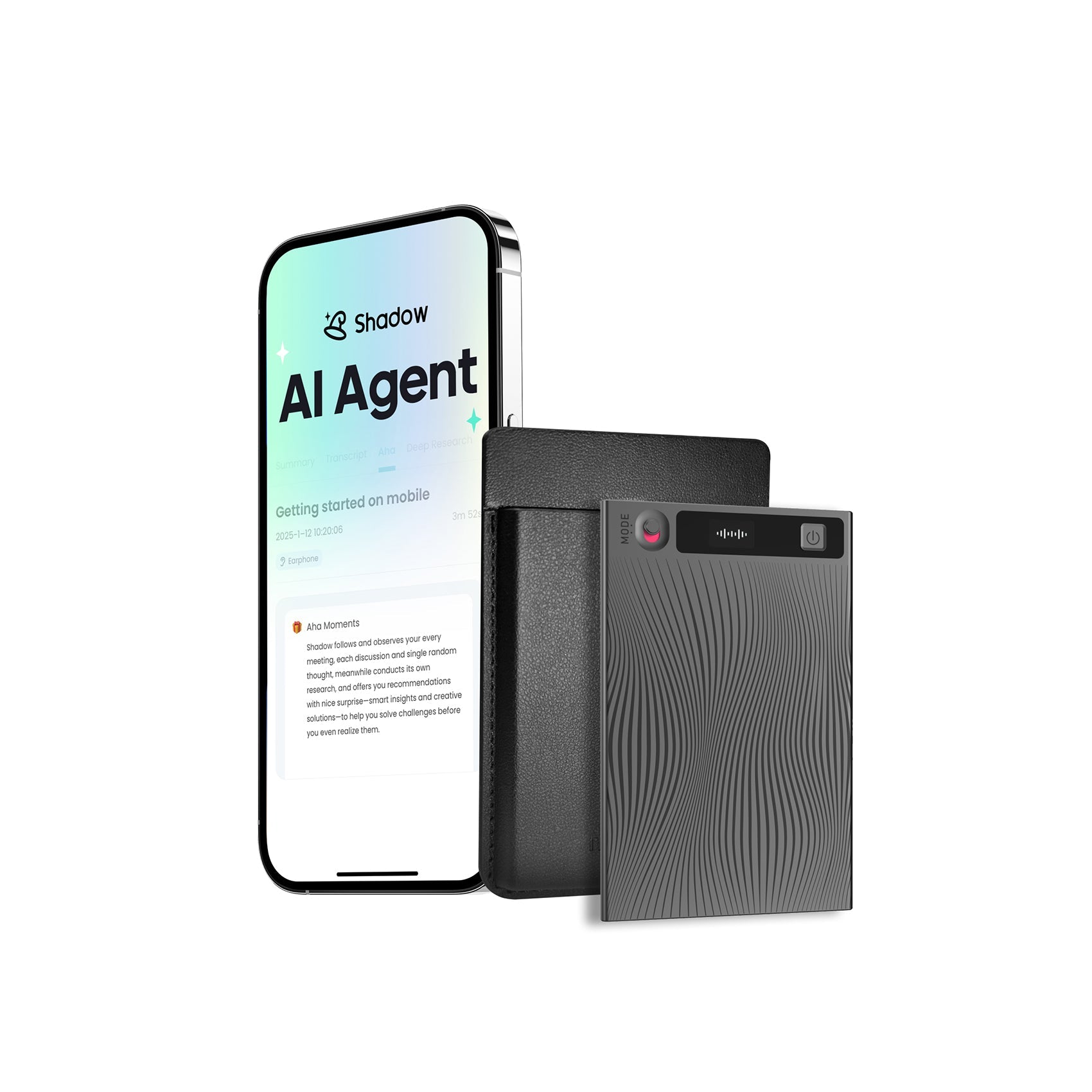
A thin card from Mobvoi, the TicWatch maker, with a small screen and a switch for phone-call or room recording. Andy Boxall of Android Police used it through MWC 2026 and got an almost faultless transcript from an echoing launch event, though an hour of recording took nearly 30 percent of the battery. It includes 600 free minutes a month, twice what Plaud gives. BGR's reviewer found the Shadow AI assistant less useful than the transcripts.
HiDock P1
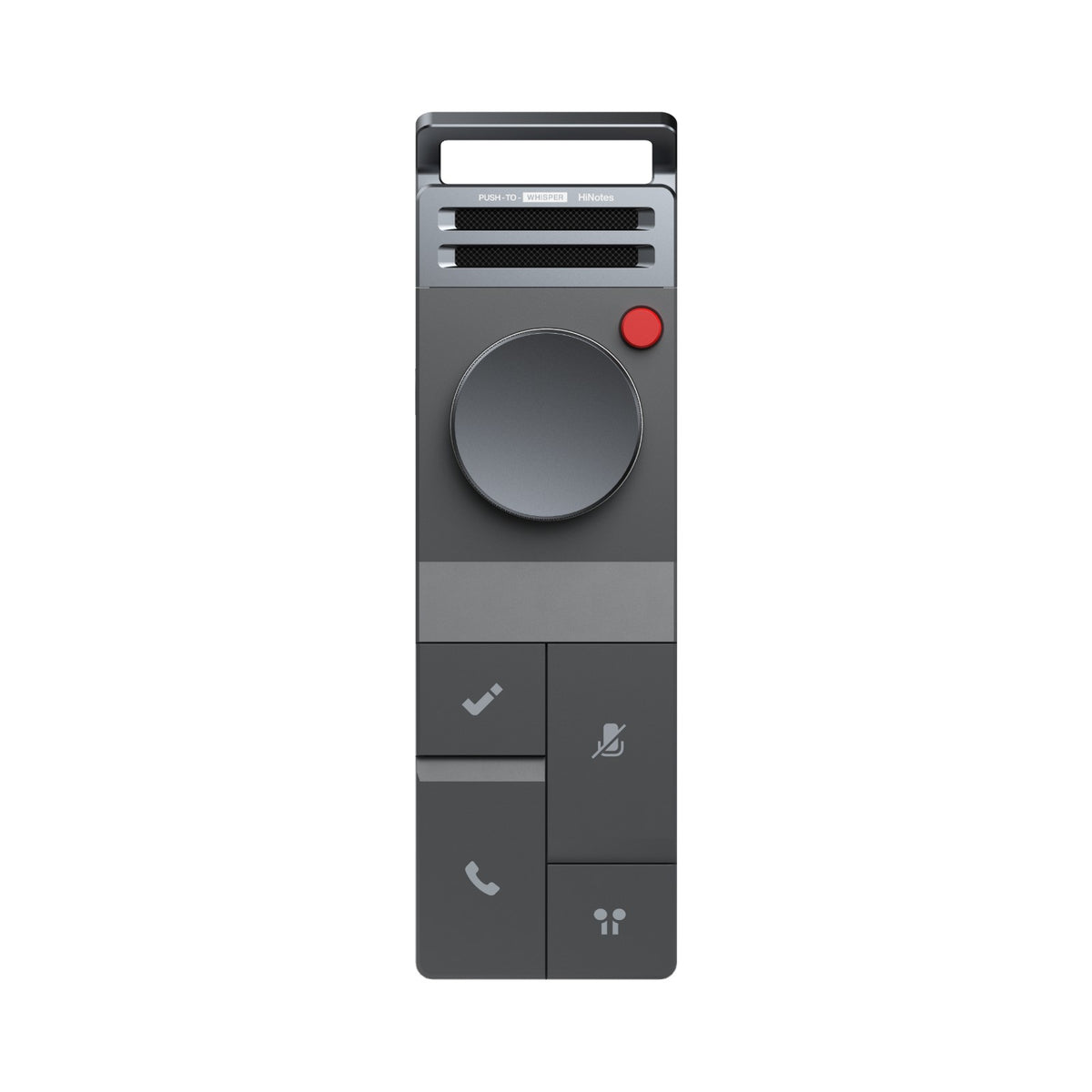
The one to pick if your meetings happen through earbuds. It sits between your Bluetooth earphones and your computer and records both sides of a Zoom or Teams call with no bot in the meeting; MacSources found it captured a call that Otter missed. Transcription is free with no cap, but speaker labels need the paid plan. WIRED could not get it working with a phone, and it supports only iPhone 15 or later.
viaim RecDot
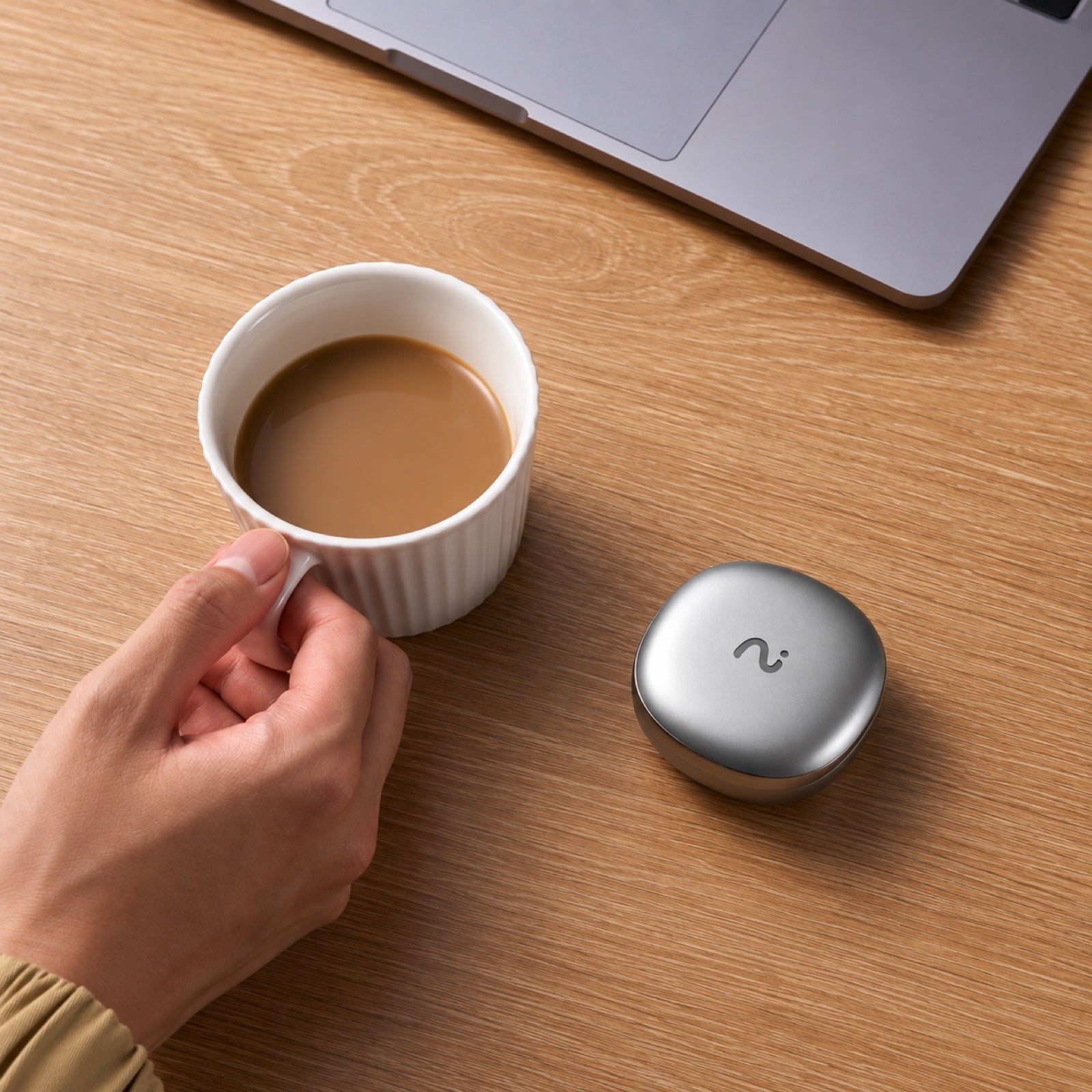
Earbuds that record what you hear and say, including calls. Ian Bell of Digital Trends found the recording and transcription fast and dependable, and Harish Jonnalagadda of Android Central used a pair for six months of briefings because, unlike the Plaud Note he had before, they were not one more thing to carry. As earbuds they are average, with middling noise canceling and a plasticky build. They include 600 free minutes a month.
- Price
- $229
- Subscription
- Pro $9.99/mo or $79.99/yr; Ultra $19.99/mo or $159.99/yr
- Free minutes
- 600 a month
- Battery
- 9 hours per charge, 36 with the case
- Form
- Wireless earbuds, 4.8 g each, with charging case
- Works with
- Bluetooth 5.2 devices; viaim app and web
Vocci Ring
A titanium ring you double-tap to start recording. Ivan Mehta of TechCrunch got mostly accurate transcripts from hour-long conversations in loud cafes, and WIRED's Christopher Null saw good transcriptions with rapid turnaround after needing two units to get one working. Mehta found the app confusing and points out that the recording light faces the wearer, so the people being recorded cannot see it. It costs more than the card recorders.
- Price
- $249 (list $299)
- Subscription
- Plus $15.99/mo or $119.99/yr; Pro $29.99/mo or $239.99/yr
- Free minutes
- 300 a month
- Battery
- Up to 8 hours recording; case holds 3 more charges
- Form
- Titanium ring, 3 to 5 grams, IP67
- Works with
- iOS and Android




How to choose
If you want the safest all-rounder, get the Plaud Note Pro. If you never want a monthly bill, the Comulytic Note Pro and Pocket transcribe with no minute cap, and the HiDock P1 does the same for calls you take through earbuds. If you want something to wear, look at the Soundcore Work or the Plaud NotePin S.
The hardware price is only part of the cost. Plaud, Soundcore and Vocci include 300 free transcription minutes a month, which is five hours. Past that, Plaud and Soundcore charge $99.99 a year for 1,200 minutes a month or $239.99 a year for unlimited. TicNote and viaim include 600 minutes. Pocket, Comulytic and HiDock transcribe free without a cap and sell extras such as speaker labels and longer history: Pocket Pro is $239.88 a year, Comulytic Premium is $10 a month billed annually and HiDock Pro is $199 a year.
Older guides still recommend devices you can no longer order. The Limitless Pendant was pulled from sale after Meta bought the company, and Amazon's Bee and the open-source Omi were both sold out on their makers' stores when checked. Sale prices in this category change often, so the regular price is given alongside.
Recording law depends on where you are: US federal law and most states let you record a conversation you take part in, but some states, including California and Florida, require everyone's consent, so tell people before you press record.
The list is ordered by how many independent reviewers recommend each device, then by what it costs to own.
Prices checked October 11, 2026.
More guides like this
Best Wispr Flow Alternatives (2026)
The best Wispr Flow alternatives: dictation apps that type into any app, for people leaving over price, cloud processing or platforms, picked from tests by 9to5Mac, ZDNet, Zapier and others. Leaving over price? Handy and FluidVoice are free, Chirp is $9.99 a year, VoiceInk is $25 once for a Mac, and Aqua Voice Pro is $8 a month billed yearly against Wispr Flow's $12. For privacy, Superwhisper, Handy, FluidVoice, VoiceInk, Spokenly and Chirp can transcribe without your audio leaving the computer, while Aqua and Typeless are cloud services like Wispr. On Linux, try Handy, Spokenly or Typeless. On Android, Typeless or Superwhisper. Accuracy depends on the model as much as the app: in Voice-list's test, Superwhisper's own models ranged from 1.6% to 22.8% of words wrong, so try another model before giving up on an app. Free tiers differ too. Aqua's is 1,000 words in total, Willow's free plan uses a lighter model, and Superwhisper's never runs out. Ordered by wins in named tests and how many independent reviewers recommend each app, then by how well it fixes the usual reasons for leaving Wispr Flow (price, privacy, platforms), then by price. Disclosure: Chirp is made by the team behind Listicle. We placed it ourselves, as the budget pick, and no independent reviewer has tested it yet. Everything else follows the order above. Prices checked October 5, 2026.
Best AI Task Managers (2026)
The best AI task managers, where the AI does real work from planning your day to running agents on a board, picked from hands-on tests by Wirecutter, PCMag, Zapier and others. Match it to how you work. If you want AI to plan your day, Sunsama walks you through a daily plan, Reclaim fits tasks around your meetings and has a free plan, and Motion plans and reshuffles your whole calendar. If you want a fast list with a little AI, start with Todoist. Teams should try Asana first, ClickUp if they want everything in one app, or Notion if their work already lives in docs. Software teams belong in Linear. On a budget: Todoist Pro and Reclaim Starter together come to about $15 a month billed yearly and put your Todoist tasks on your calendar, less than Motion's $19 alone. Google Gemini schedules tasks into Google Calendar for free. Watch the AI add-ons: ClickUp's Brain AI costs $9 a user on top of the plan, Notion's agents need the $20 Business plan, and Motion, Asana and monday.com meter AI with credits or request limits. Ordered by wins in named hands-on tests, then by how many independent reviewers recommend each app, then by fit for individuals and small teams and by price. Disclosure: Wand is made by Automatique, the team behind Listicle; it's rated by the same criteria as everything else. Prices checked October 5, 2026.
Best Apple Vision Pro Apps (2026)
The best Apple Vision Pro apps are the visionOS games, players and tools that reviewers keep recommending. These picks rest on hands-on coverage from Tom's Guide, PCMag, Road to VR, UploadVR, MacStories, AppleInsider and independent writers. To show someone what the headset can do, start with Encounter Dinosaurs and Explore POV. For games, get Synth Riders, or Retrocade if you own a Bluetooth gamepad. For work, Fantastical and Things 3 for Vision are the usual picks. For watching, Disney+ has 3D films in themed theaters, YouTube finally has its own app, and Portal streams a PS5 or Xbox to a giant screen. Several games here are Apple Arcade titles: free to download, but they need the $6.99-a-month Arcade subscription. Things 3 for Vision is a separate $29.99 app and now needs visionOS 27. Juno, the YouTube app many older guides recommend, was pulled from the App Store in 2024, and Google's own app arrived in February 2026. Netflix still has no Vision Pro app, so it plays in Safari. visionOS 26 added widgets you pin to walls and support for Sony's PS VR2 Sense controllers, though few games use the controllers yet. visionOS 27, out since September 14, 2026, adds Siri AI and lets you turn panoramas into Environments. The list is ordered by how many independent reviewers recommend each app, then by price. Prices checked October 14, 2026.