Best Wispr Flow Alternatives (2026)
 By @pickwise
The best Wispr Flow alternatives: dictation apps that type into any app, for people leaving over price, cloud processing or platforms, picked from tests by 9to5Mac, ZDNet, Zapier and others.
Aqua Voice
In 9to5Mac's side-by-side test, reading the same speech into two Macs, Apple's dictation made 17 errors and Aqua Voice made one. Accessibility campaigner Colin Hughes ranks it above Dragon Professional for accuracy. Its dictation runs in the cloud, so it won't settle a privacy worry, and Hughes found it also types out a nearby TV.
- Platforms
- Mac, Windows, iPhone
- Price
- Pro $8/month billed yearly, $10 monthly
- Free plan
- 1,000 free words
- Works offline
- Cloud dictation needs internet
- Languages
- English, Spanish, French, German, Japanese and more
Willow Voice
Willow had the lowest error rate in Voice-list's test of five dictation apps, 1.5% of words against Wispr Flow's 3.9%, and Make Tech Easier found it handled accented English, Spanish and Romanian. It also has an offline mode. As a like-for-like swap it saves little: Pro is $12 a month billed yearly, the same as Wispr Flow.
- Platforms
- Mac, Windows, iPhone (Android coming)
- Price
- Pro $12/month billed yearly, $15 monthly
- Free plan
- Unlimited with a lighter model
- Works offline
- Yes, offline mode
- Languages
- 100+
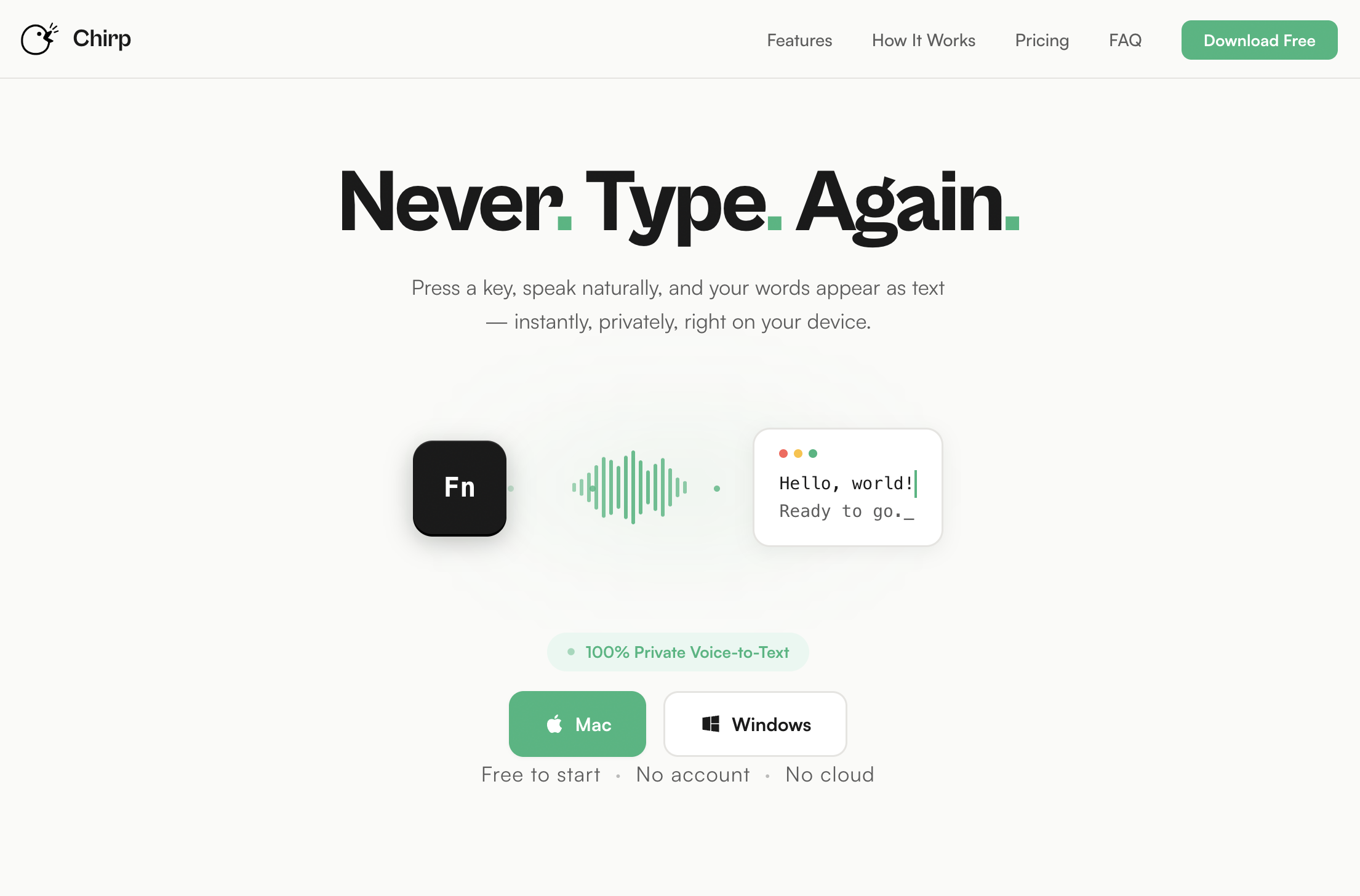
Chirp
Our own app, and the cheapest paid option here: $9.99 a year covers up to five computers, against $144 a year for Wispr Flow Pro. Your audio never leaves your Mac or PC. It's also the most basic: a small English-only Whisper model that stumbles more on accents, jargon and names, five-minute recordings, and manual pasting on Windows. No independent reviewer has tested it yet, so try the 28 free transcriptions first.
- Platforms
- Mac (macOS 13+), Windows 10 and 11
- Price
- $9.99 a year for up to 5 devices
- Free plan
- 28 free transcriptions
- Works offline
- Yes
- Languages
- English only
Superwhisper
ZDNet calls Superwhisper the pick for customization: it can run speech models offline on your own machine, with modes that reshape your words for each app, on Mac, Windows, iPhone and Android. MacSources scored it 97%. The catch, for ZDNet's tester a deal killer, is that it lacks Wispr's on-the-fly self-correction.
- Platforms
- Mac, Windows, iPhone, Android
- Price
- Pro $8.49/month
- Free plan
- Forever, unlimited Whisper models
- Works offline
- Yes, best on Apple Silicon Macs
- Languages
- 100+ languages and dialects
Handy
Free, open source and offline on Mac, Windows and Linux, Handy pastes what you say into whatever app you're in, using Whisper or Parakeet models on your own computer. Testing it on Linux, The Autodidacts needed only two corrections in a dictated post, though the first few words of a recording often went missing. ZDNet calls it bare-bones.
- Platforms
- Mac, Windows, Linux
- Price
- Free
- Free plan
- Fully free, open source (MIT)
- Works offline
- Yes
Typeless
Typeless covers the most ground, with apps for Mac, Windows, Linux, iPhone and Android. On Android, Computerworld and MakeUseOf both found it beat Gboard's voice typing, cutting ums and mid-sentence corrections into clean, formatted text. It always rewrites, though, so Voice-list's word-for-word test logged a 20% error rate, and paying monthly costs $30.
- Platforms
- Mac, Windows, Linux, iPhone, Android
- Price
- Pro $12/month billed yearly, $30 monthly
- Free plan
- Limited words per week
- Languages
- 100+
Monologue
Zapier read the same 200-word script into each app it tested and picked Monologue for context-aware dictation, which formats your words to suit the app you're in and can switch languages mid-sentence. MacStories' Federico Viticci calls the transcription great. It's Apple-only, costs the same as Wispr Flow, and doesn't say which speech model it uses.
- Platforms
- Mac, iPhone, iPad, Apple Watch
- Price
- Pro $12/month billed yearly, $15 monthly
- Free plan
- Trial of 1,000 words
- Works offline
- Yes, with local models on Mac
- Languages
- 100+
FluidVoice
ZDNet named FluidVoice the best free option in a hands-on roundup: open source, fully offline and nearly as good as Wispr Flow. Its weak spot is self-correcting as you speak, which worked about four times in ten against Wispr's eight. It's a Mac app for now, needing macOS 15, with a Windows version in beta.
- Platforms
- Mac, Windows (beta)
- Price
- Free
- Free plan
- Fully free, open source (GPLv3)
- Works offline
- Yes
- Languages
- 40+
VoiceInk
For a Mac owner done with subscriptions, VoiceInk costs $25 once and transcribes on the Mac itself, with optional AI cleanup. TechCrunch and ZDNet both list it, and the code is open source, so you can build it free. It needs an Apple Silicon Mac on macOS 14.4 or later, and ZDNet warns of some setup.
- Platforms
- Mac (Apple Silicon, macOS 14.4+)
- Price
- $25 once for 1 Mac, $39 for 2, $49 for 3
- Free plan
- Free trial
- Works offline
- Yes
Spokenly
Spokenly is free with no word limits when it runs Whisper or Parakeet models on your own machine, and Lifehacker suggests it to anyone who wishes the Mac's own dictation worked better. It now runs on Mac, Windows, Linux and iPhone. Cloud models cost $9.99 a month unless you bring your own API key.
- Platforms
- Mac, Windows, Linux, iPhone
- Price
- Pro $9.99/month or $99.99/year
- Free plan
- Unlimited with local models
- Works offline
- Yes, with local models
- Languages
- 100+
MacWhisper
If you also transcribe interviews, lectures or meetings, MacWhisper handles those on the Mac and adds system-wide dictation. Novelist John Birmingham, writing for Six Colors, switched from Dragon and was stunned by how much faster and more accurate it was. ZDNet notes that dictation isn't its main job, and the Pro features cost a one-time €64.
- Platforms
- Mac, plus iPhone and iPad apps
- Price
- Pro €64 one-time
- Free plan
- Free version, no time limit
- Works offline
- Yes, with local models
- Languages
- 100+
Apple Dictation
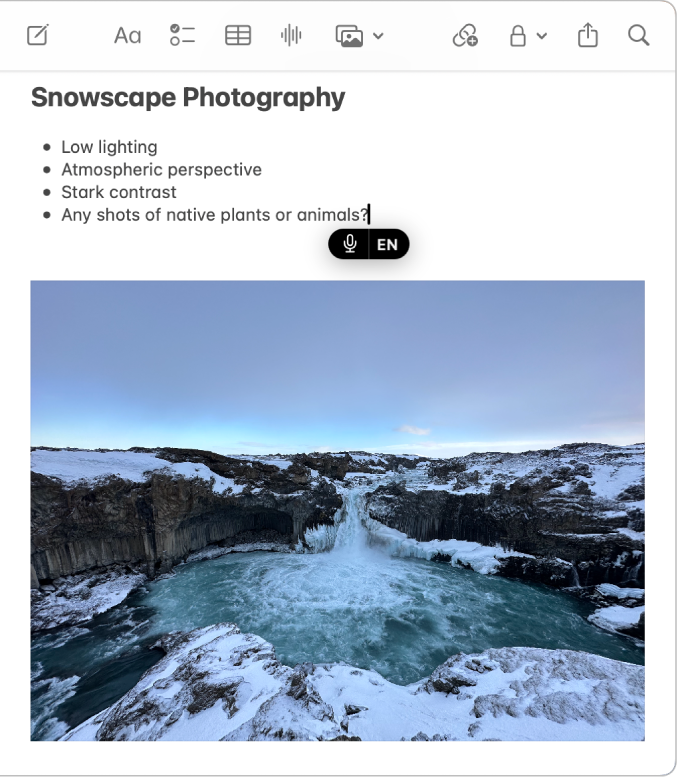
Already on every Mac and iPhone and free, Apple Dictation is Zapier's pick for Apple devices, and its tester found it very fast. In 9to5Mac's side-by-side test, though, it made 17 errors where Aqua Voice made one, and it stops listening after 30 seconds of silence.
- Platforms
- Mac, iPhone, iPad
- Price
- Built into macOS and iOS
- Works offline
- Yes on Apple silicon Macs, supported languages
- Languages
- Dozens of languages and dialects
Windows Voice Access
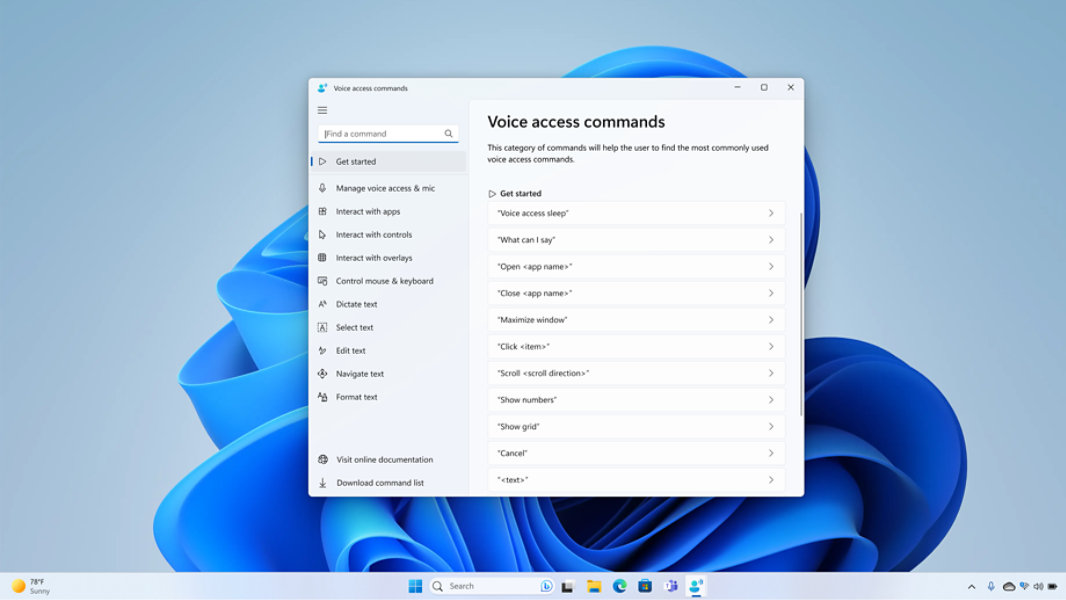
Windows 11's built-in option is Zapier's free pick for Windows: it works without an internet connection and lets you dictate, correct words and run the whole PC by voice. Its fluid dictation mode is English-only and needs a Copilot+ PC. Zapier found it very sensitive to mic quality and background noise, and ZDNet notes a learning curve.
Talon Voice
Talon runs the whole computer by voice for people who can't use their hands, with commands, eye tracking and scriptable coding tools on Mac, Windows and Linux. Hands-Free Coding's in-depth 2021 review highly recommends it, and ZDNet lists it too. ZDNet warns of a steep learning curve, and the newest features go to paying Patreon backers.
- Platforms
- Mac, Windows, Linux (X11)
- Price
- Free, Talon+ $25/month on Patreon
- Free plan
- Free, with a free speech engine
Voibe
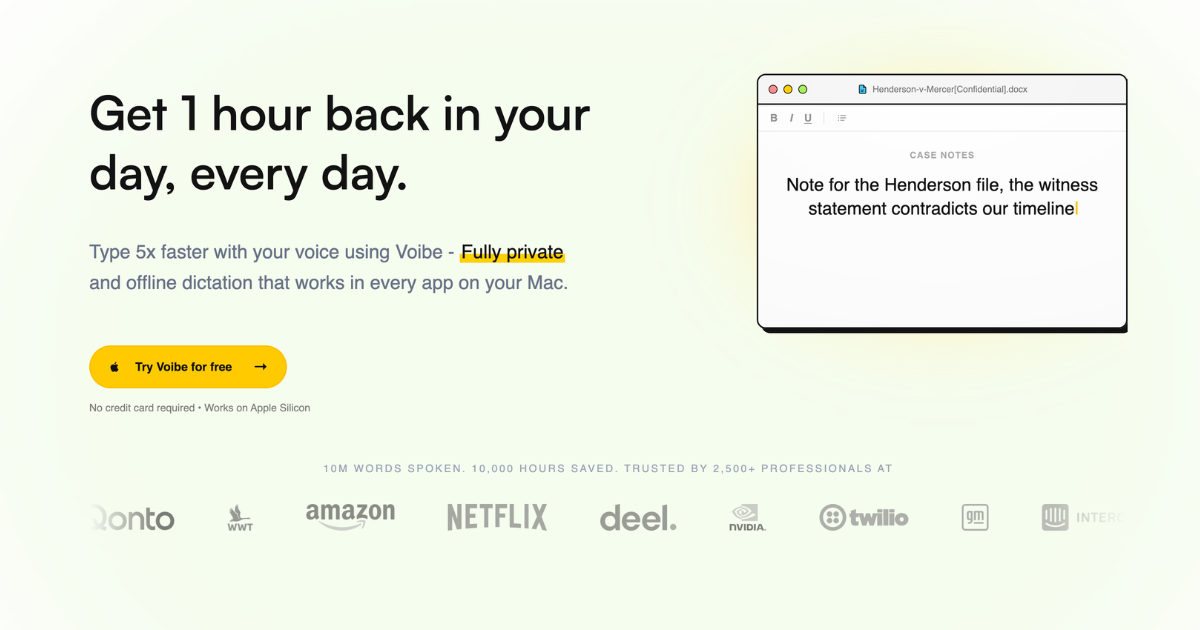
Voibe dictates into any app on Mac and Windows, fully on the device on Apple Silicon Macs, and sells a $149 lifetime license alongside $7.50 monthly plans. MacHow2 found its accuracy superb, though that's the only independent hands-on review so far. The lifetime license costs six times VoiceInk's, and on Windows it always uses its zero-retention cloud.
- Platforms
- Mac, Windows
- Price
- $7.50/month, $75/year or $149 lifetime
- Free plan
- 7-day free trial
- Works offline
- On Apple Silicon Macs only
- Languages
- English, Spanish, French, German, Italian, Polish, Russian
How to choose
Leaving over price? Handy and FluidVoice are free, Chirp is $9.99 a year, VoiceInk is $25 once for a Mac, and Aqua Voice Pro is $8 a month billed yearly against Wispr Flow's $12. For privacy, Superwhisper, Handy, FluidVoice, VoiceInk, Spokenly and Chirp can transcribe without your audio leaving the computer, while Aqua and Typeless are cloud services like Wispr. On Linux, try Handy, Spokenly or Typeless. On Android, Typeless or Superwhisper.
Accuracy depends on the model as much as the app: in Voice-list's test, Superwhisper's own models ranged from 1.6% to 22.8% of words wrong, so try another model before giving up on an app. Free tiers differ too. Aqua's is 1,000 words in total, Willow's free plan uses a lighter model, and Superwhisper's never runs out. Ordered by wins in named tests and how many independent reviewers recommend each app, then by how well it fixes the usual reasons for leaving Wispr Flow (price, privacy, platforms), then by price. Disclosure: Chirp is made by the team behind Listicle. We placed it ourselves, as the budget pick, and no independent reviewer has tested it yet. Everything else follows the order above.
Prices checked October 5, 2026.
More guides like this
Best AI Note-Taking Devices (2026): Real Yearly Costs
The best AI note taking device is a card, pin or ring that records a conversation and hands back a transcript and summary. These picks rest on hands-on tests by WIRED, TechCrunch, Wirecutter, PCWorld and other named reviewers. If you want the safest all-rounder, get the Plaud Note Pro. If you never want a monthly bill, the Comulytic Note Pro and Pocket transcribe with no minute cap, and the HiDock P1 does the same for calls you take through earbuds. If you want something to wear, look at the Soundcore Work or the Plaud NotePin S. The hardware price is only part of the cost. Plaud, Soundcore and Vocci include 300 free transcription minutes a month, which is five hours. Past that, Plaud and Soundcore charge $99.99 a year for 1,200 minutes a month or $239.99 a year for unlimited. TicNote and viaim include 600 minutes. Pocket, Comulytic and HiDock transcribe free without a cap and sell extras such as speaker labels and longer history: Pocket Pro is $239.88 a year, Comulytic Premium is $10 a month billed annually and HiDock Pro is $199 a year. Older guides still recommend devices you can no longer order. The Limitless Pendant was pulled from sale after Meta bought the company, and Amazon's Bee and the open-source Omi were both sold out on their makers' stores when checked. Sale prices in this category change often, so the regular price is given alongside. Recording law depends on where you are: US federal law and most states let you record a conversation you take part in, but some states, including California and Florida, require everyone's consent, so tell people before you press record. The list is ordered by how many independent reviewers recommend each device, then by what it costs to own. Prices checked October 11, 2026.
Best Clipboard Managers for Mac (2026)
The best clipboard managers for Mac, from free apps to the history built into macOS Tahoe, ranked on hands-on tests by Zapier, MacStories, Six Colors and others. Ordered by test wins and how many independent reviewers recommend each app, then by price, with Spotlight's built-in history included as the free baseline. Pasta has no independent reviews yet, so it ranks below the apps that do. To choose, try Tahoe's Spotlight history first (Command-Space, then Command-4). If a week of history isn't enough, Maccy is the free step up, Paste is the one to get if your clipboard should follow you to an iPhone, and Pastebot suits people who reshape text as they paste. Already use Raycast, Alfred, LaunchBar or Keyboard Maestro? Try the history it already has before buying anything. Subscription or one payment? Paste costs $29.99 a year, while PastePal ($14.99), ClipBook ($9.99) and CopyClip 2 ($7.99) are one-time buys, and of those three only PastePal syncs with an iPhone. Pastebot sits in between: $39 up front, then $19 for each further year of updates. Disclosure: Pasta is made by Automatique, the team behind Listicle; it's rated by the same criteria as everything else. Prices checked October 5, 2026.
Best Clipboard Managers for Windows (2026)
The best clipboard managers for Windows 10 and 11, for anyone who has outgrown Win+V, ranked on hands-on tests by MakeUseOf, XDA, How-To Geek and others. Ordered by test wins and how many independent reviewers recommend each app, then by price, with Windows' own clipboard history included as the baseline. Pasta has no independent reviews yet, so it ranks below the apps that do. Win+V keeps 25 items and forgets them on restart unless you pin them. Ditto fixes both for free and won head-to-head tests at MakeUseOf and XDA. For more, CopyQ adds tabs and scripting, ClipClip adds an editor and OCR, and Pasteboard is the simplest modern-looking choice. Already using Raycast as a launcher? Its clipboard history is free and searchable. Most picks are free at home but not at work: ClipClip charges $49 for commercial use, ClipboardFusion's free version is for personal use only (Pro starts at $19 per PC), and Clipdiary's business license is $29.99. If you also use a Mac, Raycast and CopyQ run on both. Disclosure: Pasta is made by Automatique, the team behind Listicle; it's rated by the same criteria as everything else. Prices checked October 5, 2026.
Best AI Task Managers (2026)
The best AI task managers, where the AI does real work from planning your day to running agents on a board, picked from hands-on tests by Wirecutter, PCMag, Zapier and others. Match it to how you work. If you want AI to plan your day, Sunsama walks you through a daily plan, Reclaim fits tasks around your meetings and has a free plan, and Motion plans and reshuffles your whole calendar. If you want a fast list with a little AI, start with Todoist. Teams should try Asana first, ClickUp if they want everything in one app, or Notion if their work already lives in docs. Software teams belong in Linear. On a budget: Todoist Pro and Reclaim Starter together come to about $15 a month billed yearly and put your Todoist tasks on your calendar, less than Motion's $19 alone. Google Gemini schedules tasks into Google Calendar for free. Watch the AI add-ons: ClickUp's Brain AI costs $9 a user on top of the plan, Notion's agents need the $20 Business plan, and Motion, Asana and monday.com meter AI with credits or request limits. Ordered by wins in named hands-on tests, then by how many independent reviewers recommend each app, then by fit for individuals and small teams and by price. Disclosure: Wand is made by Automatique, the team behind Listicle; it's rated by the same criteria as everything else. Prices checked October 5, 2026.