Best Clipboard Managers for Mac (2026)
 By @pickwise
The best clipboard managers for Mac, from free apps to the history built into macOS Tahoe, ranked on hands-on tests by Zapier, MacStories, Six Colors and others.
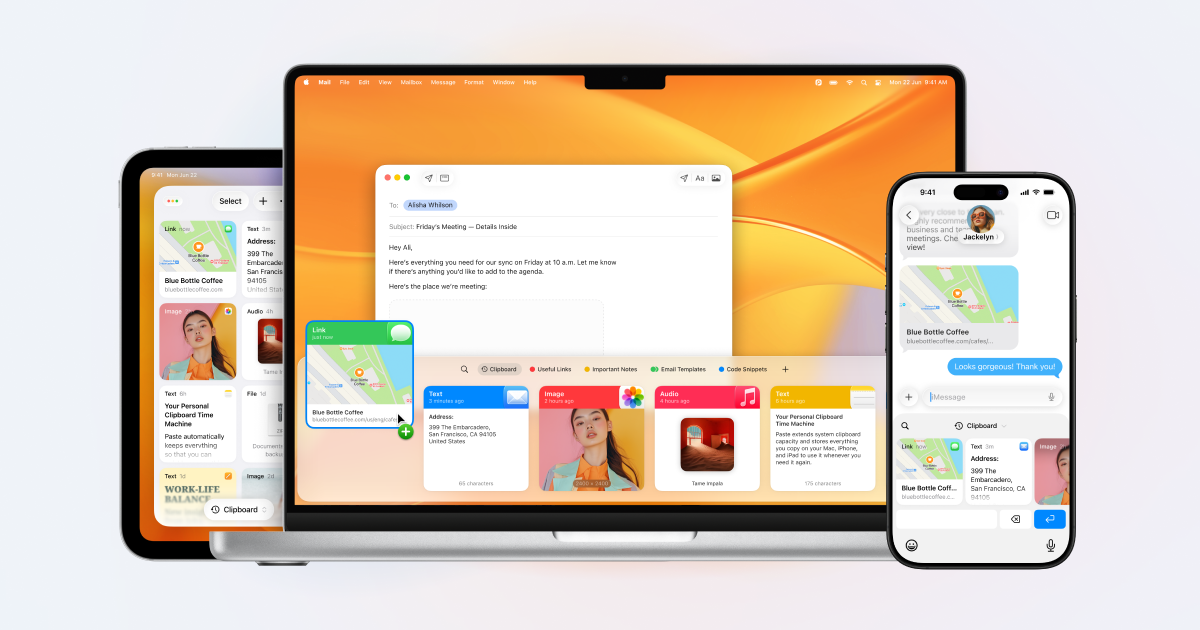
Paste
Zapier tested almost 40 clipboard tools and named Paste the best for Mac and iPhone users. History shows as a strip of large cards, saved clips live in pinboards, and everything syncs to the iPhone and iPad apps through iCloud. The catch is price: $29.99 a year, which Zapier's reviewer called comical for a clipboard manager.
- Platforms
- macOS 14 or later, plus iPhone and iPad
- Price
- $29.99/year, $3.99/month or $99.99 once
- Free version
- No, 7-day free trial
- Sync
- iCloud, across Mac, iPhone and iPad
- Keeps images
- Yes
Maccy
Free, open source and quick: press Shift-Command-C, type a few letters and paste. Zapier named it the best affordable Mac clipboard manager, and iMore chose it for its speed and because it skips copies from password managers. It does one job only, and fake Maccy sites have spread malware, so download it from maccy.app, GitHub or the Mac App Store.
- Platforms
- macOS 14 Sonoma or later
- Price
- Free, or $9.99 on the Mac App Store
- Free version
- Yes, always free
- Open source
- Yes, MIT license
- Keeps images
- Yes, with text search inside images
Raycast (Clipboard History)
XDA calls Raycast the best clipboard manager, and the history is free inside a launcher that can replace Spotlight. PCWorld found it better than Tahoe's version because it opens on its own shortcut, can paste as plain text and shows copied images well. The current version 2 needs Tahoe on an Apple Silicon Mac, and the free plan keeps three months of history.
- Platforms
- macOS 26 Tahoe on Apple Silicon (v2)
- Price
- Free; Pro $8/month billed yearly
- Free version
- Yes, keeps 3 months of history
- Sync
- None, history stays on your Mac
- Keeps images
- Yes
Pastebot 3
In 2023 Six Colors' Jason Snell called Pastebot pretty much the platonic ideal of a clipboard app, and MacStories found version 3 essential. Filters reshape text as you paste, Stacks paste items in order, and up to 1,500 clippings sync between Macs over iCloud. It needs macOS 26 Tahoe, there's no iPhone app, and $39 covers one year of updates.
- Platforms
- macOS 26 Tahoe or later
- Price
- $39 with a year of updates
- Free version
- No, 14-day free trial
- Sync
- iCloud, between Macs
- Keeps images
- Yes
PastePal
Want Paste's iPhone sync without a subscription? PastePal Pro is a one-time $14.99 that covers Mac, iPhone and iPad, syncs history through iCloud and works with Family Sharing. Zapier lists it among paid apps with no subscription, but the free version limits pasting until you buy Pro.
- Platforms
- macOS 14 or later, plus iPhone and iPad
- Price
- $14.99 once for Pro
- Free version
- Yes, limited until you buy Pro
- Sync
- iCloud across Mac, iPhone and iPad (Pro)
- Keeps images
- Yes
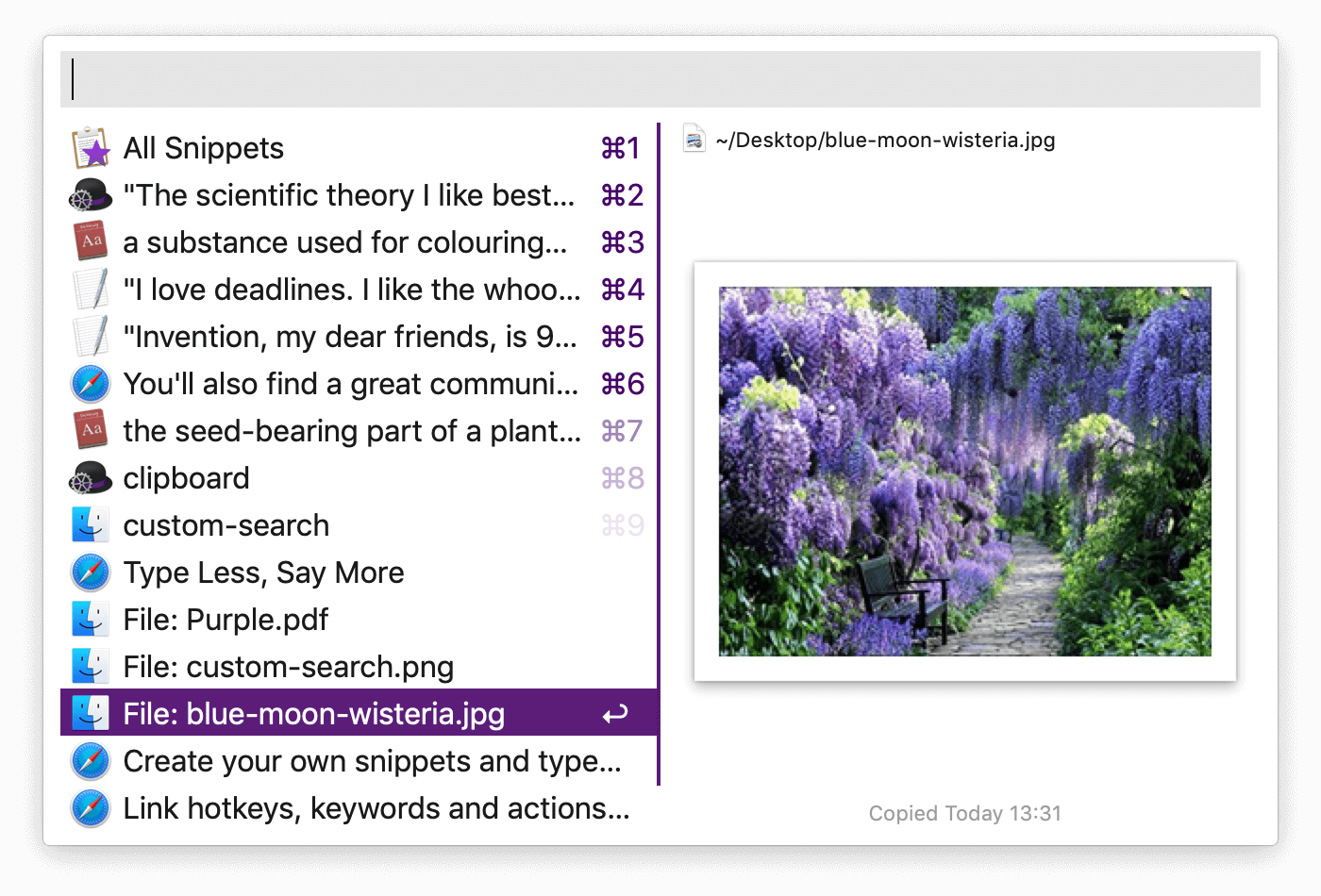
Alfred (Clipboard History)
Own Alfred's Powerpack? Then you already have a clipboard manager that keeps text, images and file links for up to three months and saves any clip as a text-expanding snippet. It's switched off by default and needs the £34 Powerpack, and Zapier found launcher clipboards more basic than dedicated apps, though it says to try yours first.
- Platforms
- macOS 10.14 or later (Alfred 5)
- Price
- £34 Powerpack, one-time
- Free version
- Alfred is free, clipboard needs Powerpack
- Keeps images
- Yes, plus file links
LaunchBar (Clipboard History)
LaunchBar costs nothing if you can live with an occasional prompt to take a break, and this keyboard launcher has a long-standing clipboard history. Six Colors' Jason Snell returned to it in 2026 after Spotlight in Tahoe grew slow for him. A license is $35, and Snell noted it went a long stretch with few updates before a substantial one in March 2026.
- Platforms
- macOS 12 Monterey or later
- Price
- $35 single license, $59 family
- Free version
- Yes, with occasional break reminders
Keyboard Maestro (Clipboard History Switcher)
Tahoe's new Spotlight history didn't win over 9to5Mac's Marcus Mendes, who kept Keyboard Maestro's switcher instead. It saves 200 clips by default (raise it as you like), merges clips, pastes as plain text and lets you favorite items so they never expire. It lives inside a $36 automation app, so it pays off most if you'll use the macros too.
- Platforms
- macOS 10.13 or later
- Price
- $36 one-time
- Free version
- No, free trial
- Keeps images
- Yes
Unclutter
Scroll down from the top of the screen and Unclutter drops a shelf with three panes: clipboard history, a file dropzone and quick notes. Zapier rates it worth considering for that mix. The clipboard side is basic, keeping only your 10, 25 or 50 latest clips plus favorites, so buy it for the whole shelf at $19.99 once.
- Platforms
- macOS 10.13 or later
- Price
- $19.99 once
- Free version
- No, 10-day free trial
- Sync
- Files and notes (cloud auto-sync)
Copy 'Em
Organizers will like the lists: sort clips into as many custom lists as you want, paste several items at once, transform text on the way out and screenshot straight into your history. A MakeUseOf writer called it a personal favorite in 2021, and Softpedia rated it 4.5 out of 5. It's $8.99 during a half-price sale, and the iPhone version is a separate app.
- Platforms
- macOS 14.5 or later
- Price
- $8.99 (half-price sale)
- Sync
- iCloud, including Copy 'Em for iPhone and iPad
- Keeps images
- Yes
CopyClip 2
Cheap and simple, CopyClip 2 sits in the menu bar with search, pinned clips and numbered shortcuts, and it skips password fields on its own. It's $7.99 on the Mac App Store, with a free trial from FIPLAB. It's built for text, MakeUseOf found images saved only as links, and recent independent reviews are scarce.
- Platforms
- macOS 11.5 or later
- Price
- $7.99 once
- Free version
- No, free trial
ClipBook
One $9.99 payment buys unlimited history that stays on your Mac, with tags, search inside images, merge and split tools, and lifetime updates. The developer opened the source code, and The Mac Observer reported network checks showing it only contacts its update server. Version 2, rewritten in Swift, arrived in August 2026, and no major outlet has reviewed it hands-on yet.
- Platforms
- macOS 13 or later
- Price
- $9.99 once for 1 Mac
- Free version
- No, 5-day free trial
- Sync
- None, history stays on your Mac
- Open source
- Source code public, app is paid
- Keeps images
- Yes
Clipy
Clipy is back after an eight-year gap: version 1.3.0 arrived in June 2026 with Apple Silicon support. It's free and open source, keeps history in a menu-bar list and stores reusable text in snippet folders, which MakeUseOf suggested as a free stand-in for pinned clips. The update migrates its database, so export your snippets first.
- Platforms
- macOS 13 Ventura or later
- Price
- Free
- Open source
- Yes, MIT license
macOS Spotlight Clipboard History
Already on your Mac if it runs Tahoe: switch on Clipboard in Spotlight settings, then press Command-Space and Command-4 to search past copies and paste one back. Apple lets it keep items for 30 minutes, 8 hours or 7 days. MacMost found it strips formatting and can't pin anything, so it covers quick recalls rather than a lasting archive.
- Platforms
- macOS 26 Tahoe or later
- Price
- Built into macOS
- Free version
- Yes, part of macOS
Pasta
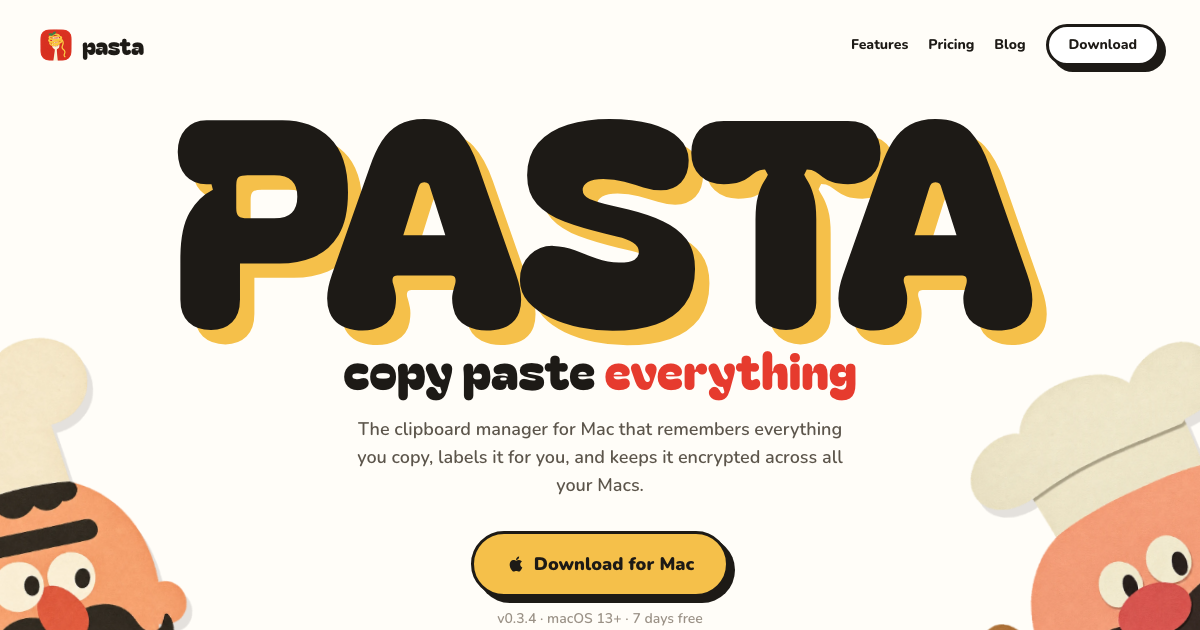
Pasta labels each copy by type, from a git command to a tracking number, searches as you type even with typos, and keeps passwords and keys it detects on your Mac. The text of everything else goes to its servers and an AI model for labeling while you're signed in, sync is encrypted at rest rather than end to end, and no independent reviews exist yet.
- Platforms
- macOS 13 or later, also Windows 10 and 11
- Price
- $5/month
- Free version
- No, 7-day free trial
- Sync
- Encrypted at rest, across Macs and PCs
- Keeps images
- Yes






How to choose
Ordered by test wins and how many independent reviewers recommend each app, then by price, with Spotlight's built-in history included as the free baseline. Pasta has no independent reviews yet, so it ranks below the apps that do. To choose, try Tahoe's Spotlight history first (Command-Space, then Command-4). If a week of history isn't enough, Maccy is the free step up, Paste is the one to get if your clipboard should follow you to an iPhone, and Pastebot suits people who reshape text as they paste. Already use Raycast, Alfred, LaunchBar or Keyboard Maestro? Try the history it already has before buying anything.
Subscription or one payment? Paste costs $29.99 a year, while PastePal ($14.99), ClipBook ($9.99) and CopyClip 2 ($7.99) are one-time buys, and of those three only PastePal syncs with an iPhone. Pastebot sits in between: $39 up front, then $19 for each further year of updates. Disclosure: Pasta is made by Automatique, the team behind Listicle; it's rated by the same criteria as everything else.
Prices checked October 5, 2026.
More guides like this
Best Clipboard Managers for Windows (2026)
The best clipboard managers for Windows 10 and 11, for anyone who has outgrown Win+V, ranked on hands-on tests by MakeUseOf, XDA, How-To Geek and others. Ordered by test wins and how many independent reviewers recommend each app, then by price, with Windows' own clipboard history included as the baseline. Pasta has no independent reviews yet, so it ranks below the apps that do. Win+V keeps 25 items and forgets them on restart unless you pin them. Ditto fixes both for free and won head-to-head tests at MakeUseOf and XDA. For more, CopyQ adds tabs and scripting, ClipClip adds an editor and OCR, and Pasteboard is the simplest modern-looking choice. Already using Raycast as a launcher? Its clipboard history is free and searchable. Most picks are free at home but not at work: ClipClip charges $49 for commercial use, ClipboardFusion's free version is for personal use only (Pro starts at $19 per PC), and Clipdiary's business license is $29.99. If you also use a Mac, Raycast and CopyQ run on both. Disclosure: Pasta is made by Automatique, the team behind Listicle; it's rated by the same criteria as everything else. Prices checked October 5, 2026.
Best Wispr Flow Alternatives (2026)
The best Wispr Flow alternatives: dictation apps that type into any app, for people leaving over price, cloud processing or platforms, picked from tests by 9to5Mac, ZDNet, Zapier and others. Leaving over price? Handy and FluidVoice are free, Chirp is $9.99 a year, VoiceInk is $25 once for a Mac, and Aqua Voice Pro is $8 a month billed yearly against Wispr Flow's $12. For privacy, Superwhisper, Handy, FluidVoice, VoiceInk, Spokenly and Chirp can transcribe without your audio leaving the computer, while Aqua and Typeless are cloud services like Wispr. On Linux, try Handy, Spokenly or Typeless. On Android, Typeless or Superwhisper. Accuracy depends on the model as much as the app: in Voice-list's test, Superwhisper's own models ranged from 1.6% to 22.8% of words wrong, so try another model before giving up on an app. Free tiers differ too. Aqua's is 1,000 words in total, Willow's free plan uses a lighter model, and Superwhisper's never runs out. Ordered by wins in named tests and how many independent reviewers recommend each app, then by how well it fixes the usual reasons for leaving Wispr Flow (price, privacy, platforms), then by price. Disclosure: Chirp is made by the team behind Listicle. We placed it ourselves, as the budget pick, and no independent reviewer has tested it yet. Everything else follows the order above. Prices checked October 5, 2026.
Best AI Task Managers (2026)
The best AI task managers, where the AI does real work from planning your day to running agents on a board, picked from hands-on tests by Wirecutter, PCMag, Zapier and others. Match it to how you work. If you want AI to plan your day, Sunsama walks you through a daily plan, Reclaim fits tasks around your meetings and has a free plan, and Motion plans and reshuffles your whole calendar. If you want a fast list with a little AI, start with Todoist. Teams should try Asana first, ClickUp if they want everything in one app, or Notion if their work already lives in docs. Software teams belong in Linear. On a budget: Todoist Pro and Reclaim Starter together come to about $15 a month billed yearly and put your Todoist tasks on your calendar, less than Motion's $19 alone. Google Gemini schedules tasks into Google Calendar for free. Watch the AI add-ons: ClickUp's Brain AI costs $9 a user on top of the plan, Notion's agents need the $20 Business plan, and Motion, Asana and monday.com meter AI with credits or request limits. Ordered by wins in named hands-on tests, then by how many independent reviewers recommend each app, then by fit for individuals and small teams and by price. Disclosure: Wand is made by Automatique, the team behind Listicle; it's rated by the same criteria as everything else. Prices checked October 5, 2026.