Best AI Task Managers (2026)
 By @pickwise
The best AI task managers, where the AI does real work from planning your day to running agents on a board, picked from hands-on tests by Wirecutter, PCMag, Zapier and others.
Todoist
No app here has more independent backing: PCMag gives it a rare five-star Editors' Choice, and Wirecutter calls it the best to-do app for most people. Its AI is about capture, with Ramble turning a spoken brain dump into tasks with dates, projects and priorities. The free plan stops at five personal projects and limits Ramble sessions.
- Platforms
- Mac, Windows, Linux, iPhone, iPad, Android, watches
- Price
- Pro $5/month billed yearly ($7 monthly)
- Free plan
- Yes: Beginner, 5 projects, limited Ramble
- What the AI does
- Ramble turns spoken thoughts into tasks
- Built for
- Solo and teams
Asana
Asana is a PCMag Editors' Choice and one of Zapier's picks after a month of testing AI project managers. Its AI suggests the next task to tackle, writes status updates and runs agents from custom instructions. The catch is metering: Starter includes five AI Teammate requests per user a month, and extra requests cost from 50 cents each.
- Platforms
- Web, Mac, Windows, iOS, Android
- Price
- Starter $10.99/user/month billed yearly
- Free plan
- Yes: Personal, for one or two people
- What the AI does
- Ready-to-go AI agents (AI Teammates)
- Built for
- Small teams and professionals
Sunsama
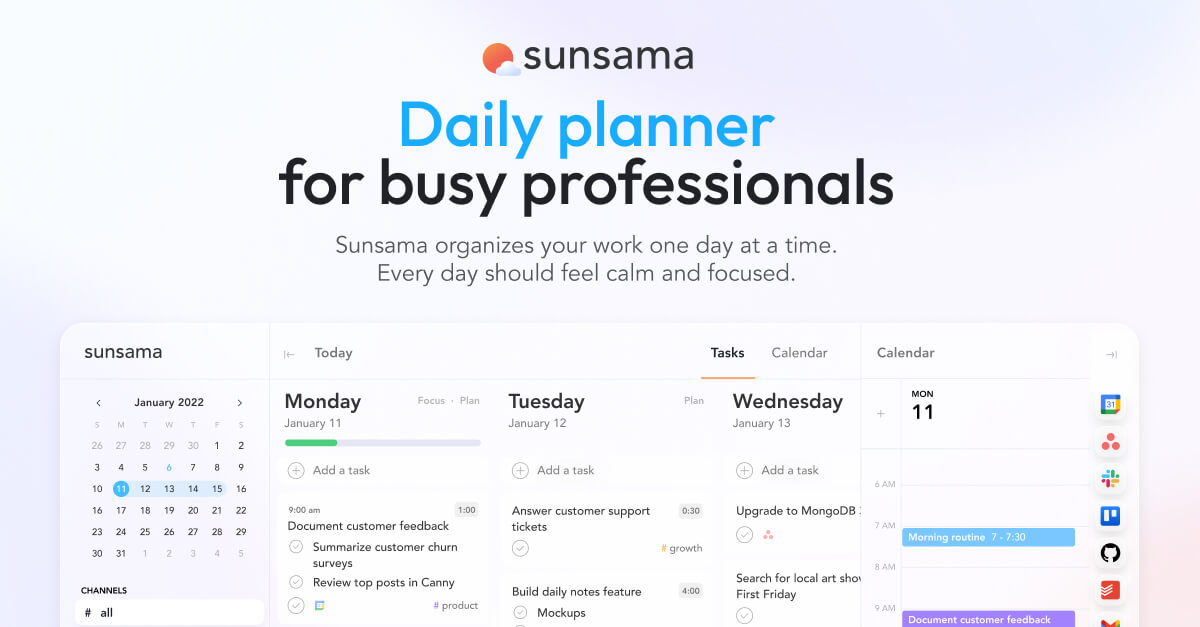
Wirecutter tested 16 AI scheduling apps over two years and still picks Sunsama. Each morning it lays tasks from your other apps next to your calendar and walks you through a realistic plan, and Zapier's tester found time blocking easier here than in any app tried. There's no free plan, only a 14-day trial.
- Platforms
- iOS/iPadOS, Android, macOS, Windows, Linux
- Price
- Pro $17/month billed yearly ($22 monthly)
- Free plan
- No: 14-day free trial
- Built for
- Busy professionals
Reclaim.ai
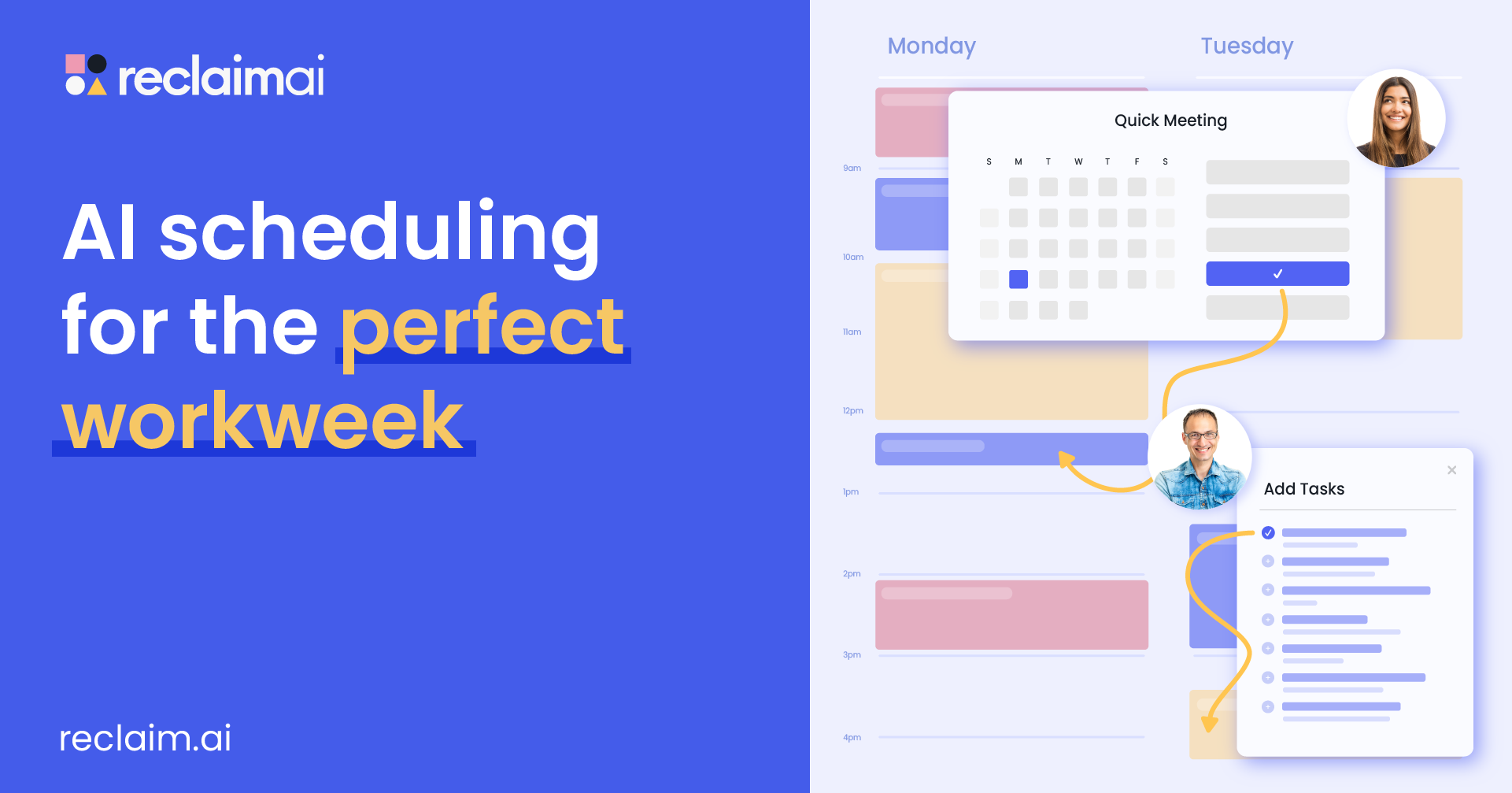
Reclaim is the best value among the AI schedulers Wirecutter tested, with the only free plan that finds time for tasks around your meetings, buffers included. Zapier picks it for protecting habits. The free Lite plan looks one week ahead and syncs one calendar, and Wirecutter notes there are no mobile apps.
Motion
Motion hands the most control to the AI: it maps tasks onto your calendar and reshuffles them by priority, which earned it places in Zapier's roundups of AI schedulers and AI project managers. Price is Zapier's main con. There's no free plan, and MakeUseOf suggests Reclaim or Asana for anyone who can't justify paying a year upfront.
- Platforms
- iOS, Android and desktop apps
- Price
- Pro AI $19/seat/month billed yearly
- Free plan
- No: free trial only
- What the AI does
- Plans your day and schedules meetings
- Built for
- Professionals and small teams
ClickUp with Brain AI
Zapier picked ClickUp for asking questions about your projects: Brain answers from your workspace, finds stuck or duplicate tasks and drafts project updates. PCMag likes its document collaboration but warns that the complexity can overwhelm and costs add up. Brain AI is a $9-per-user add-on on top of the $7 Unlimited plan.
- Platforms
- Web, Mac, Windows, Linux, iOS, Android
- Price
- Unlimited $7/user/month yearly, Brain AI +$9
- Free plan
- Yes: Free Forever
- What the AI does
- Brain assistant and @Brain agent
Notion with Notion Agent
Notion's AI is PCMag's favorite in any note-taking app, and Tom's Guide came away from Custom Agents convinced they're the future: agents that start on a trigger, such as a Slack message, and pull answers from your databases. Agents need the Business plan, Custom Agents use paid credits, and PCMag finds Notion overly complicated.
- Platforms
- macOS and Windows, plus mobile apps
- Price
- Plus $10/member/month billed yearly
- Free plan
- Yes, with an AI trial
- What the AI does
- Agent completes multi-step tasks (Business)
- Built for
- Small teams and professionals
Trello
PCMag's favorite Kanban app, at 4 out of 5, and Zapier's time-blocking pick for teams already on Trello, thanks to its Inbox and Planner views. Paid plans add AI that summarizes cards, organizes your inbox and generates boards. The free plan stops at 10 collaborators per workspace, and Standard is $5 a user a month billed yearly.
Wrike
Risk prediction is the draw: Zapier picked Wrike because its AI color-codes projects likely to slip, and agents can automate work from a prompt. PCMag rates it 3.5 out of 5, effective and flexible but pricey. Team costs $10 a user for 2 to 15 people, and the AI agents start on the $25 Business plan.
- Platforms
- Web, Windows, Mac, iPhone, Android
- Price
- Team $10/user/month billed yearly
- Free plan
- Yes: essential task management
- What the AI does
- AI summaries and editing, agents on Business
- Built for
- Teams of 2 to 15 on the Team plan
monday.com
For teams that want one big suite, PCMag picks monday.com (3.5 out of 5) and TechRadar lists it for all-round business management. Every paid plan includes AI credits for the Sidekick assistant and agents, 1,000 a month on Basic. Heavier AI use means buying more credits, and the free plan stops at two seats.
- Platforms
- Web, iOS and Android
- Price
- Basic $9/seat/month billed yearly
- Free plan
- Yes: up to 2 seats, no AI features
- What the AI does
- Sidekick assistant and AI agents
Google Gemini (with Google Calendar and Tasks)
Wirecutter's budget pick among AI schedulers costs nothing: type a list or share a photo of one, and Gemini schedules the tasks in Google Calendar with buffers between them. It works with one Google account's calendar and won't reschedule anything on its own when your day changes. Google AI Plus, at $4.99 a month, isn't needed for this.
- Platforms
- Web and mobile
- Price
- Free, Google AI plans from $4.99/month
- Free plan
- Yes: $0 with a Google Account
- What the AI does
- Adds, edits and shows your Google Tasks
- Built for
- Anyone with a Google Account
Akiflow
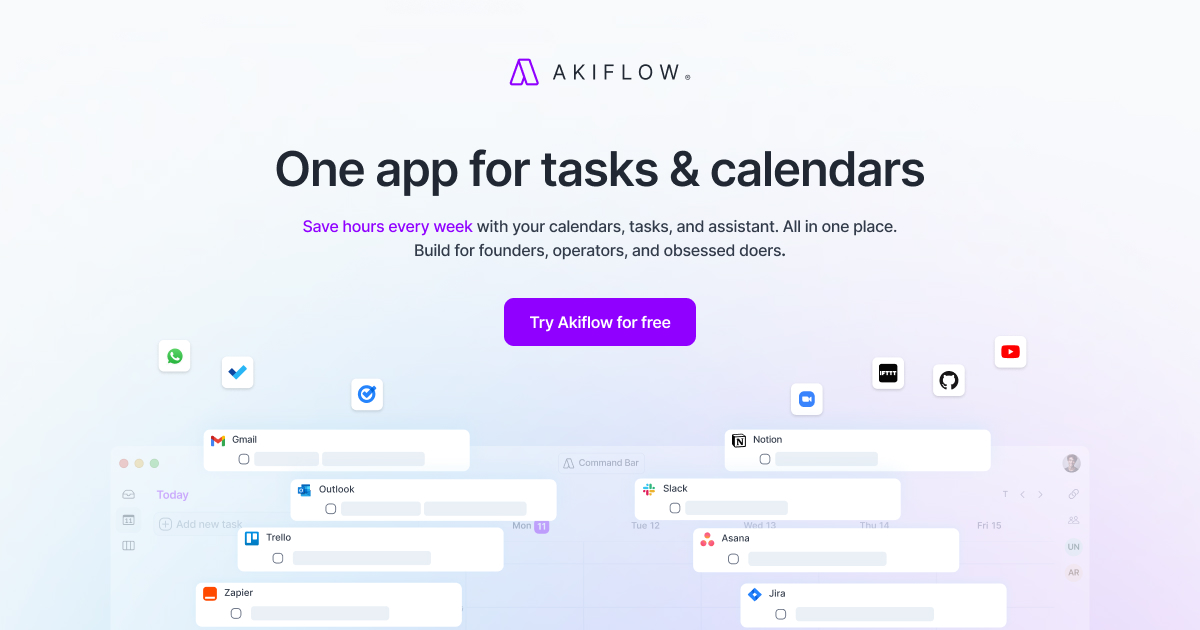
Akiflow pulls tasks from Slack, Notion, Asana and other apps into one inbox you drag onto your calendar, which earned it a place in Zapier's AI scheduling roundup. Its AI labels tasks and reschedules on command. Another Zapier tester found those AI features unreliable and left it out of a time-blocking roundup, also citing the high price.
- Platforms
- macOS, Windows, web, iOS, Android
- Price
- Pro $19/month billed yearly ($34 monthly)
- Free plan
- No: 7-day trial, card required
- What the AI does
- Plans and prioritizes your tasks
- Built for
- Founders, operators, and obsessed doers
Any.do
If you forget to open your to-do app, Any.do's daily Plan my Day review makes you schedule each task, which is why Zapier recommends it. The built-in AI suggests subtasks, but PCMag's last full review, from 2019, rated it average and found the desktop and web apps clumsier than mobile. Premium is $4.99 a month billed yearly.
- Platforms
- iPhone, iPad, Android, Mac, Windows, web, watches
- Price
- Premium $4.99/month billed yearly ($7.99 monthly)
- Free plan
- Yes: Personal plan
- What the AI does
- AI assistant to save time and effort
- Built for
- Individuals, families and teams
Linear
Software teams get Linear Agent even on the free plan, so issues can be handed to an agent, and Business adds Triage Intelligence to route incoming requests. The New Stack found Linear neat, quick and opinionated, but that 2024 review predates Linear Agent, and this issue tracker is built for engineering work, not personal lists.
- Platforms
- Web, macOS, Windows, iOS, Android
- Price
- Basic $10/user/month billed yearly
- Free plan
- Yes: 250 issues, includes Linear Agent
- What the AI does
- Agent writes and tests code from issues
- Built for
- Product development teams
Wand
Wand treats AI agents as teammates: Claude, ChatGPT, Cursor and other assistants connect over MCP, sign in as you and read and move the cards on your board, and a Telegram group can run a project. No independent publication has reviewed it yet, which is why it sits last. Slack support isn't available yet, and there's no published pricing. Pricing: no paid plans or pricing page published on wand.la (checked October 5, 2026); sign in with Google.
- Platforms
- Web, plus Telegram and AI tools via MCP
- What the AI does
- Your AI tool reads and moves tasks, as you
- Built for
- Teams






How to choose
Match it to how you work. If you want AI to plan your day, Sunsama walks you through a daily plan, Reclaim fits tasks around your meetings and has a free plan, and Motion plans and reshuffles your whole calendar. If you want a fast list with a little AI, start with Todoist. Teams should try Asana first, ClickUp if they want everything in one app, or Notion if their work already lives in docs. Software teams belong in Linear.
On a budget: Todoist Pro and Reclaim Starter together come to about $15 a month billed yearly and put your Todoist tasks on your calendar, less than Motion's $19 alone. Google Gemini schedules tasks into Google Calendar for free. Watch the AI add-ons: ClickUp's Brain AI costs $9 a user on top of the plan, Notion's agents need the $20 Business plan, and Motion, Asana and monday.com meter AI with credits or request limits.
Ordered by wins in named hands-on tests, then by how many independent reviewers recommend each app, then by fit for individuals and small teams and by price. Disclosure: Wand is made by Automatique, the team behind Listicle; it's rated by the same criteria as everything else.
Prices checked October 5, 2026.
More guides like this
Best AI Note-Taking Devices (2026): Real Yearly Costs
The best AI note taking device is a card, pin or ring that records a conversation and hands back a transcript and summary. These picks rest on hands-on tests by WIRED, TechCrunch, Wirecutter, PCWorld and other named reviewers. If you want the safest all-rounder, get the Plaud Note Pro. If you never want a monthly bill, the Comulytic Note Pro and Pocket transcribe with no minute cap, and the HiDock P1 does the same for calls you take through earbuds. If you want something to wear, look at the Soundcore Work or the Plaud NotePin S. The hardware price is only part of the cost. Plaud, Soundcore and Vocci include 300 free transcription minutes a month, which is five hours. Past that, Plaud and Soundcore charge $99.99 a year for 1,200 minutes a month or $239.99 a year for unlimited. TicNote and viaim include 600 minutes. Pocket, Comulytic and HiDock transcribe free without a cap and sell extras such as speaker labels and longer history: Pocket Pro is $239.88 a year, Comulytic Premium is $10 a month billed annually and HiDock Pro is $199 a year. Older guides still recommend devices you can no longer order. The Limitless Pendant was pulled from sale after Meta bought the company, and Amazon's Bee and the open-source Omi were both sold out on their makers' stores when checked. Sale prices in this category change often, so the regular price is given alongside. Recording law depends on where you are: US federal law and most states let you record a conversation you take part in, but some states, including California and Florida, require everyone's consent, so tell people before you press record. The list is ordered by how many independent reviewers recommend each device, then by what it costs to own. Prices checked October 11, 2026.
Best Wispr Flow Alternatives (2026)
The best Wispr Flow alternatives: dictation apps that type into any app, for people leaving over price, cloud processing or platforms, picked from tests by 9to5Mac, ZDNet, Zapier and others. Leaving over price? Handy and FluidVoice are free, Chirp is $9.99 a year, VoiceInk is $25 once for a Mac, and Aqua Voice Pro is $8 a month billed yearly against Wispr Flow's $12. For privacy, Superwhisper, Handy, FluidVoice, VoiceInk, Spokenly and Chirp can transcribe without your audio leaving the computer, while Aqua and Typeless are cloud services like Wispr. On Linux, try Handy, Spokenly or Typeless. On Android, Typeless or Superwhisper. Accuracy depends on the model as much as the app: in Voice-list's test, Superwhisper's own models ranged from 1.6% to 22.8% of words wrong, so try another model before giving up on an app. Free tiers differ too. Aqua's is 1,000 words in total, Willow's free plan uses a lighter model, and Superwhisper's never runs out. Ordered by wins in named tests and how many independent reviewers recommend each app, then by how well it fixes the usual reasons for leaving Wispr Flow (price, privacy, platforms), then by price. Disclosure: Chirp is made by the team behind Listicle. We placed it ourselves, as the budget pick, and no independent reviewer has tested it yet. Everything else follows the order above. Prices checked October 5, 2026.
Best AI Story Writing Apps (2026)
The best AI story writing apps, from drafting partners like Sudowrite to manuscript critics like ProWritingAid, ranked on reviews by Kindlepreneur, Reedsy, The Write Practice and others. Match the tool to the job. To draft with an AI partner, Sudowrite works out of the box, while Novelcrafter gives you more control if you bring your own AI key. To revise, ProWritingAid catches line-level problems, Fictionary checks scene structure and Marlowe sends a whole-book report. For brainstorming or notes on a full draft, a general chatbot works: Claude for prose, ChatGPT for features, Gemini for very long manuscripts. On cost: Raptor Write is free and you pay only for the AI you use, and Gemini's Plus plan is $4.99 a month. Sudowrite's Hobby plan and ProWritingAid Premium together come to about $20 a month on yearly billing. Most of these meter AI use in credits or tokens, so heavy drafting can cost more than the plan price. Ordered by how many independent reviewers tested or recommended each app, then by how well it suits writing your own fiction, then by price. Disclosure: Fable is made by Automatique, the team behind Listicle; it's rated by the same criteria as everything else. Prices checked October 5, 2026.
Best Clipboard Managers for Mac (2026)
The best clipboard managers for Mac, from free apps to the history built into macOS Tahoe, ranked on hands-on tests by Zapier, MacStories, Six Colors and others. Ordered by test wins and how many independent reviewers recommend each app, then by price, with Spotlight's built-in history included as the free baseline. Pasta has no independent reviews yet, so it ranks below the apps that do. To choose, try Tahoe's Spotlight history first (Command-Space, then Command-4). If a week of history isn't enough, Maccy is the free step up, Paste is the one to get if your clipboard should follow you to an iPhone, and Pastebot suits people who reshape text as they paste. Already use Raycast, Alfred, LaunchBar or Keyboard Maestro? Try the history it already has before buying anything. Subscription or one payment? Paste costs $29.99 a year, while PastePal ($14.99), ClipBook ($9.99) and CopyClip 2 ($7.99) are one-time buys, and of those three only PastePal syncs with an iPhone. Pastebot sits in between: $39 up front, then $19 for each further year of updates. Disclosure: Pasta is made by Automatique, the team behind Listicle; it's rated by the same criteria as everything else. Prices checked October 5, 2026.