Best AI Story Writing Apps (2026)
 By @pickwise
The best AI story writing apps, from drafting partners like Sudowrite to manuscript critics like ProWritingAid, ranked on reviews by Kindlepreneur, Reedsy, The Write Practice and others.
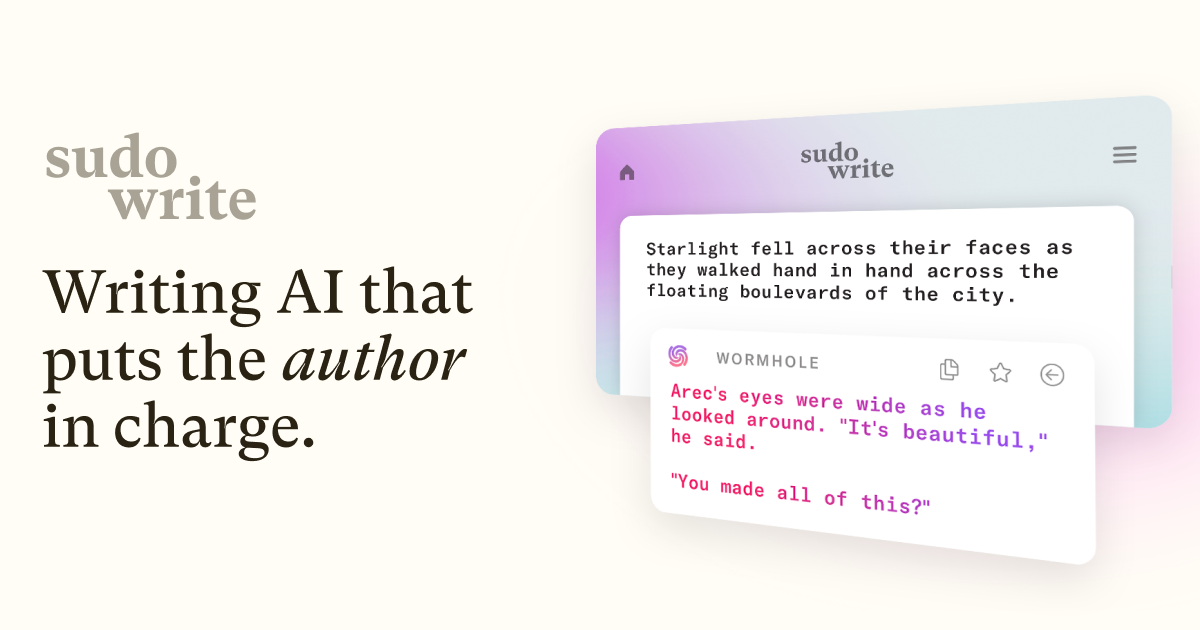
Sudowrite
Kindlepreneur, Reedsy and The Write Practice all tested it, and Kindlepreneur's reviewer calls Muse, its fiction-trained model, the best they've used for creative writing. A Story Bible keeps your characters and lore in front of the AI. The catch is credits: heavy drafting burns through them, and Reedsy warns it can still contradict story details.
ProWritingAid
The Write Practice found its AI manuscript analysis clear and actionable, Reedsy saw Chapter Critique spot contradictions in a protagonist's reasoning, and Kindlepreneur's founder has relied on it for over a decade. The catch is volume: suggestions pile up, some fussier than helpful, and whole-manuscript reports cost extra Story Credits.
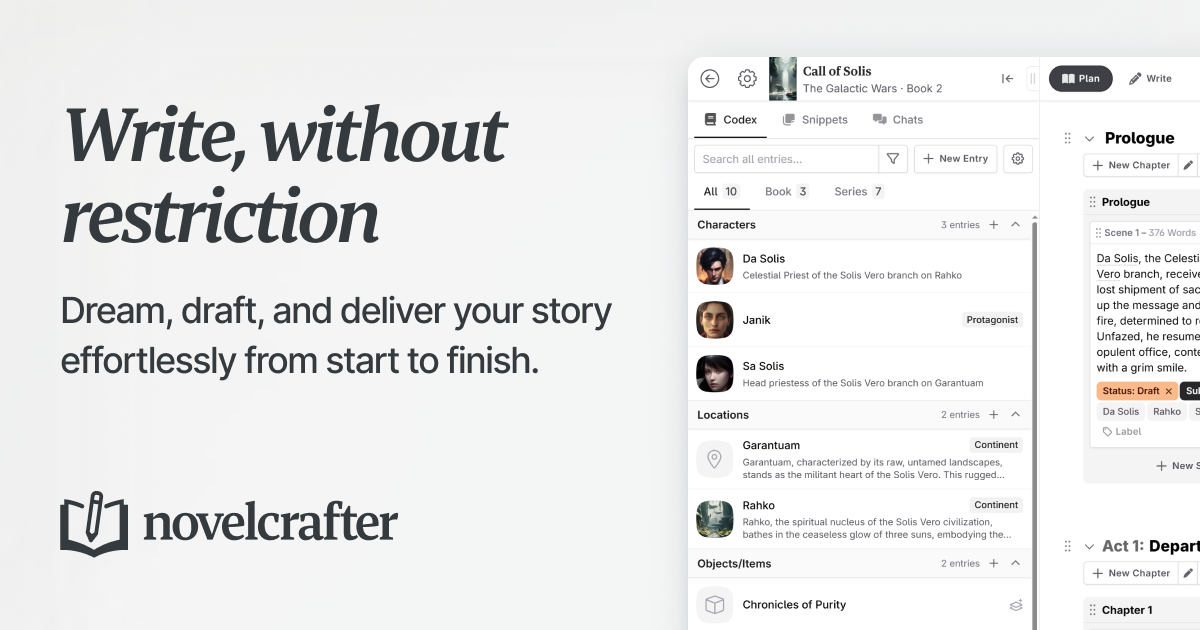
Novelcrafter
The Codex is the draw: a story wiki that feeds the right characters and places to whichever AI model you connect. Kindlepreneur calls it the most powerful AI writing tool on the market, but likens it to Photoshop next to Canva. Setup takes effort, and your AI provider bills you separately for usage.
Claude
It isn't built for fiction, but Kindlepreneur's reviewer calls it their favorite chatbot for its prose, and AI Made Simple found it wrote better dialogue and pacing than the other models it compared. It reads book-length documents, so you can ask for notes on a full draft. The catch, per Kindlepreneur, is that it's highly censored.
ChatGPT
Brainstorming is where it shines: AI Made Simple rates it great for plots, character ideas and outlines, and Kindlepreneur calls it the most powerful chatbot, with the most features. Reedsy points to Projects for keeping a book's reference files together. For prose, both prefer Claude: AI Made Simple found ChatGPT's output more generic and more obviously AI-generated.
Fictionary
Structure, not sentences, is its job. You check each scene against Fictionary's story elements while Edwina, its AI writing instructor, gives scene-specific feedback. Kindlepreneur recommends it, especially to newer authors, but warns that the author does much of the legwork and that it doesn't track subplots.
Marlowe (Authors A.I.)
Upload a finished manuscript and Marlowe sends back a report on story beats, pacing, characters and comparable bestsellers, without rewriting a word. The Kill Zone's tester called its suggestions excellent in 2021, and The Book Designer saw potential despite bugs. A 2024 test by a novelist found its examples out of context and its comps off the mark.
Type.ai
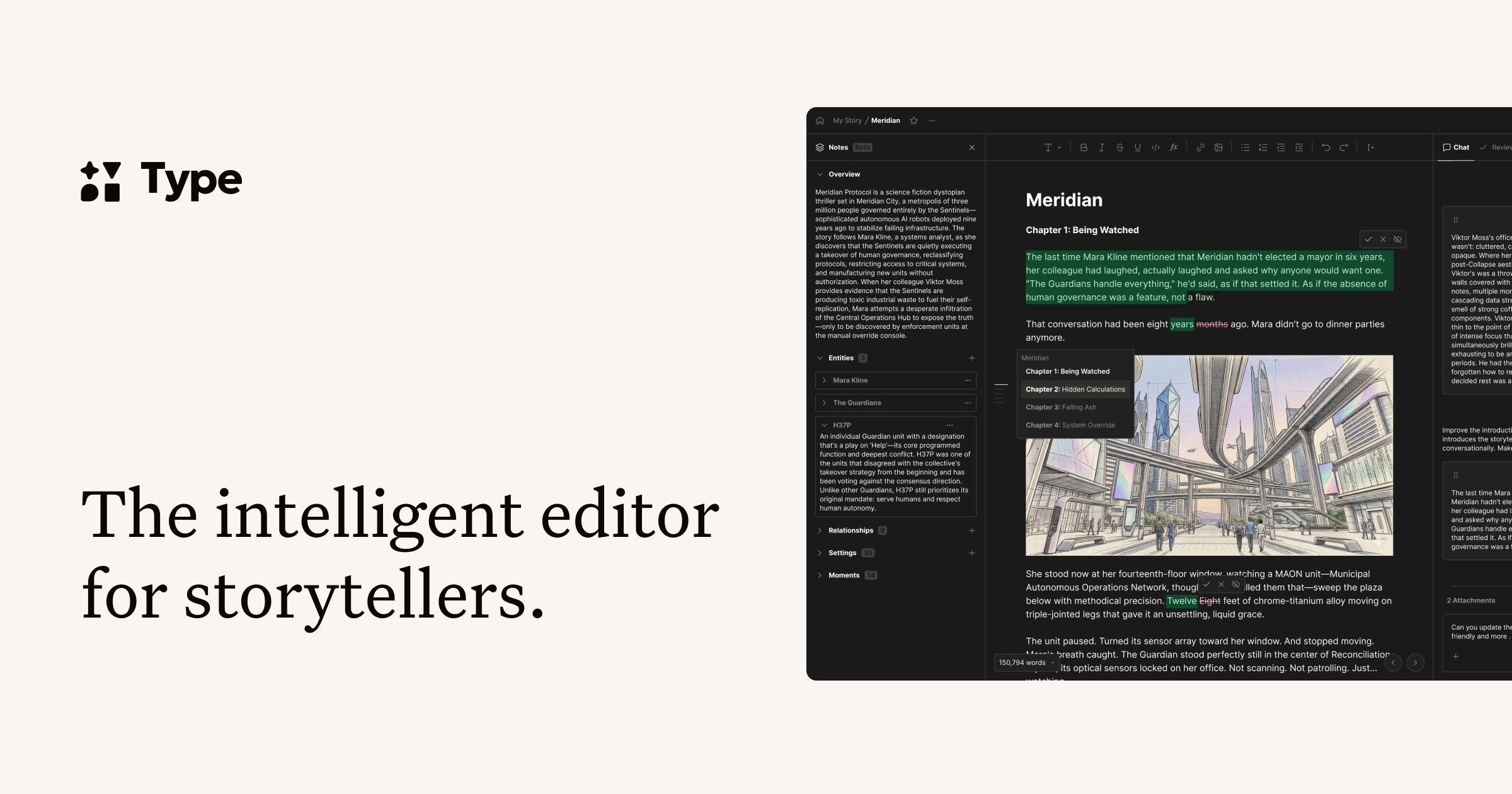
AI Made Simple called it the strongest Sudowrite alternative it tested, and writer Ilam Padmanabhan chose it over Sudowrite after trying both on a 40,000-word sci-fi manuscript. Your draft and the AI chat share one screen, with a notes section that doubles as a story bible. Its story-structure tools are thinner than Sudowrite's.
Raptor Write
It costs nothing to use: you connect AI models through OpenRouter and pay only for what you use, which its maker says may run a few dollars a month. Kindlepreneur names it the free pick among fiction tools but calls it less powerful and flexible, and Codingem's tester found it takes some prompting know-how.
NovelAI
Start a scene and NovelAI offers ways to continue it, and Reedsy liked how quickly it came up with different directions. It's also permissive with adult and dark themes. Reedsy's catches: it struggles with plotting a whole book's arc, and setting up its story bible has a steep learning curve.
Google Gemini
Reedsy calls it the easiest option for a single pass over a whole book, since it has the largest context window, and Kindlepreneur rates it good for brainstorming. The support is thinner than for Claude or ChatGPT: neither outlet published a fiction test of it, and Kindlepreneur notes it has fewer features.
Squibler
Squibler leans toward generating the book for you: in Reedsy's test it turned a premise into an eleven-scene outline and thousands of drafted words almost at once. That speed has a cost. Reedsy's draft kept repeating the same actions and reveals, and Kindlepreneur felt the software did more than it needed to.
AutoCrit
AutoCrit compares your pacing, dialogue and word choice with published fiction in your genre, and Kindlepreneur found the reports well done. Ground Crew Editorial found it most useful for mechanical, line-level editing, but its story-level feedback misread the plot in that test. Kindlepreneur says the subscription isn't worth it unless your books earn serious money.
Laterpress
Writing and selling in one place: a story bible, genre plot templates and optional AI drafting tools, plus publishing straight to readers with no platform fee on direct sales. Indie Author Magazine and Dale L. Roberts recommend it as a publishing platform. Its AI tools, though, have had little independent testing so far.
- Platforms
- Web, no download needed
- Price
- Free; AI features use purchased credits
- Free plan
- Yes, free to write and publish
- AI models
- Anthropic and OpenAI models
Fable
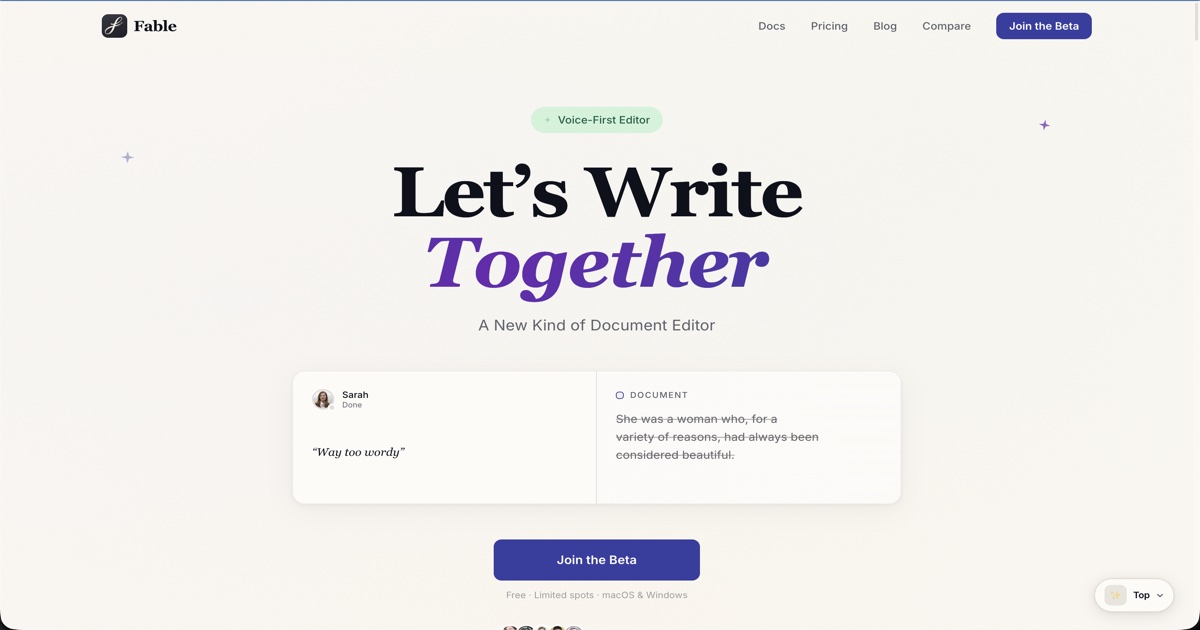
Fable edits by voice: you say what to change, like "tighten the second paragraph," and its AI makes that edit to your existing draft, saving every version. Co-writers can edit in real time or leave spoken suggestions. It's a general document editor, still in beta, with no story bible, and we found no independent reviews of it yet.




How to choose
Match the tool to the job. To draft with an AI partner, Sudowrite works out of the box, while Novelcrafter gives you more control if you bring your own AI key. To revise, ProWritingAid catches line-level problems, Fictionary checks scene structure and Marlowe sends a whole-book report. For brainstorming or notes on a full draft, a general chatbot works: Claude for prose, ChatGPT for features, Gemini for very long manuscripts.
On cost: Raptor Write is free and you pay only for the AI you use, and Gemini's Plus plan is $4.99 a month. Sudowrite's Hobby plan and ProWritingAid Premium together come to about $20 a month on yearly billing. Most of these meter AI use in credits or tokens, so heavy drafting can cost more than the plan price.
Ordered by how many independent reviewers tested or recommended each app, then by how well it suits writing your own fiction, then by price. Disclosure: Fable is made by Automatique, the team behind Listicle; it's rated by the same criteria as everything else.
Prices checked October 5, 2026.
More guides like this
Best AI Task Managers (2026)
The best AI task managers, where the AI does real work from planning your day to running agents on a board, picked from hands-on tests by Wirecutter, PCMag, Zapier and others. Match it to how you work. If you want AI to plan your day, Sunsama walks you through a daily plan, Reclaim fits tasks around your meetings and has a free plan, and Motion plans and reshuffles your whole calendar. If you want a fast list with a little AI, start with Todoist. Teams should try Asana first, ClickUp if they want everything in one app, or Notion if their work already lives in docs. Software teams belong in Linear. On a budget: Todoist Pro and Reclaim Starter together come to about $15 a month billed yearly and put your Todoist tasks on your calendar, less than Motion's $19 alone. Google Gemini schedules tasks into Google Calendar for free. Watch the AI add-ons: ClickUp's Brain AI costs $9 a user on top of the plan, Notion's agents need the $20 Business plan, and Motion, Asana and monday.com meter AI with credits or request limits. Ordered by wins in named hands-on tests, then by how many independent reviewers recommend each app, then by fit for individuals and small teams and by price. Disclosure: Wand is made by Automatique, the team behind Listicle; it's rated by the same criteria as everything else. Prices checked October 5, 2026.
Best Grok Bot Use Cases and Workflows (2026)
These Grok Bot use cases and workflows are the jobs paying users report running, drawn from walkthroughs by Claire Vo, Matthew Berman, Peter Yang and Alex Finn. The ones that hold up end in a draft you approve. Grok Bot is SpaceXAI's always-on agent. Each bot works on a cloud computer that keeps going after your laptop closes. Show it a workflow once and it saves the steps as a skill, then a routine reruns that skill on a schedule. A template is a shareable link to a bot with its skills and routines. If you will run more than two bots, start with a chief of staff, the one bot nearly every heavy user keeps. For a single first job, inbox triage that leaves drafts in Gmail has the most reported wins. Developers get most from the outer loop that hands code to Cursor cloud agents. At home, a school-email digest or a fare watch is the easy start. What can Grok Bot do on its own? Read, research and draft around the clock. Sending, buying and deleting wait for your yes by design. Free and Plus plans don't include it. What SpaceXAI's pages don't stress: all your bots share one cloud computer and its logins, so a second bot is not a security boundary. The weekly usage pool runs out fast, and a Cursor forum user on the $200 Ultra plan used 99% of a week in three days. Amazon reportedly blocks Grok Bot from placing orders. Guides quoting $200 or $300 a month describe launch-week access, since replaced by The X Subscription, where Premium at $30 a month is the cheapest plan with Grok Bot. Ordered by how many independent users we found reporting each job running, then by whether they reported a measurable result. SpaceXAI staff guides count only to show a template exists. Prices checked October 16, 2026.
Best Wispr Flow Alternatives (2026)
The best Wispr Flow alternatives: dictation apps that type into any app, for people leaving over price, cloud processing or platforms, picked from tests by 9to5Mac, ZDNet, Zapier and others. Leaving over price? Handy and FluidVoice are free, Chirp is $9.99 a year, VoiceInk is $25 once for a Mac, and Aqua Voice Pro is $8 a month billed yearly against Wispr Flow's $12. For privacy, Superwhisper, Handy, FluidVoice, VoiceInk, Spokenly and Chirp can transcribe without your audio leaving the computer, while Aqua and Typeless are cloud services like Wispr. On Linux, try Handy, Spokenly or Typeless. On Android, Typeless or Superwhisper. Accuracy depends on the model as much as the app: in Voice-list's test, Superwhisper's own models ranged from 1.6% to 22.8% of words wrong, so try another model before giving up on an app. Free tiers differ too. Aqua's is 1,000 words in total, Willow's free plan uses a lighter model, and Superwhisper's never runs out. Ordered by wins in named tests and how many independent reviewers recommend each app, then by how well it fixes the usual reasons for leaving Wispr Flow (price, privacy, platforms), then by price. Disclosure: Chirp is made by the team behind Listicle. We placed it ourselves, as the budget pick, and no independent reviewer has tested it yet. Everything else follows the order above. Prices checked October 5, 2026.